
Text pasted from a PDF, an email, or a word processor often arrives with a hard line break at the end of every visual line. The sentence is intact, but it is chopped into fragments that are not real paragraphs. Removing those breaks by hand is slow and error-prone, and doing it with a naive find-and-replace destroys the paragraph structure you actually wanted to keep.
A good tool that removes line breaks online does something more careful. It distinguishes the breaks that are artifacts of pasting from the breaks that separate real paragraphs, and it removes only the first kind. This article explains where the stray breaks come from, how to tell them apart from paragraph breaks, how the cleaning works, and the cases where cleaning text goes wrong.

Where stray line breaks come from
Stray breaks are not random. They come from a small number of sources, and knowing the source tells you what kind of cleaning the text needs.
PDF copy
A PDF stores text in positioned fragments, not as flowing paragraphs. When you copy from a PDF, the copy follows the visual layout, so every time a line ended on the page, a break appears in the copy. This is the most common source and the most disruptive.
Email clients
Some email clients insert a hard break at a fixed width when sending plain text. The recipient sees a paragraph broken at that width, which may not match their own display.
Word processors and editors
Text exported from a word processor can carry breaks that were soft in the editor but became hard on export. Text copied from a code editor carries the line breaks of the code, which are almost never wanted in prose.
Web pages with narrow columns
A page that wraps text in a narrow column can copy with a break at each wrap, producing the same fragment problem as a PDF.
Optical character recognition
Text produced by scanning software often inserts a break at every detected line, along with other artifacts such as split words and misread characters.
How to tell a stray break from a paragraph break
The distinction is the heart of the problem, and it is easier than it looks once you know the signals.
A stray break sits in the middle of a sentence. The line above it does not end with a period, question mark, or colon, and the line below starts with a lower-case letter. If you joined the two lines, you would get a normal sentence.
A paragraph break sits between sentences or between complete thoughts. The line above ends with terminal punctuation or a colon, and the line below starts with a capital letter or a list marker. Joining these lines would merge two paragraphs, which is exactly what you do not want.
The heuristic is therefore: remove a break when the text before it does not end a sentence and the text after it does not start a new one. Keep a break when either condition is reversed. A well-built cleaner applies this rule and leaves the real paragraphs alone.

What a full clean actually does
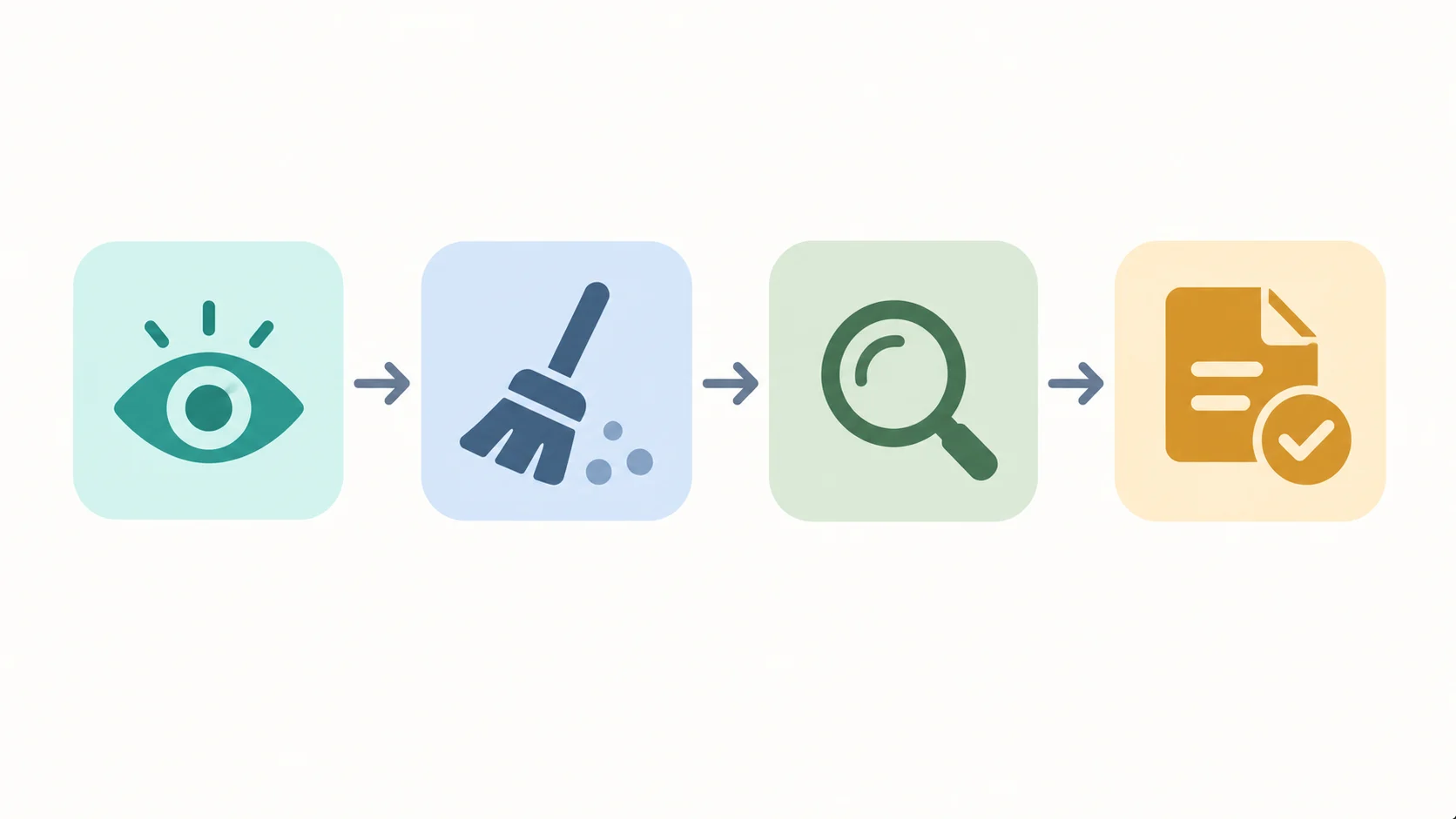
Removing line breaks is one step in a longer sequence. A cleaner that does only that leaves other artifacts behind.
The first step is normalizing the break characters. Text can contain a line feed, a carriage return, or the two together, depending on the system that produced it. Normalizing them to a single form before processing prevents the classic bug where some breaks are missed.
The second step is removing the stray breaks using the rule above, joining the fragments back into flowing paragraphs.
The third step is collapsing repeated spaces and tabs, because pasted text often contains runs of spaces where a single space belongs.
The fourth step is trimming trailing whitespace from each line, which is invisible in the editor but causes problems downstream.
The fifth step is removing invisible characters, such as non-breaking spaces and zero-width characters, which can break search, comparison, and word counting.
A tool that does all five steps produces text you can use. A tool that does only the first step leaves you to fix the rest by hand.
Removing breaks versus joining everything
There is a tempting shortcut that does real damage. It removes every line break in the text, which is fast and produces a single block.
The problem is that it destroys every paragraph break too. A five-paragraph article becomes one wall of text, and the reader loses the structure that made it readable. The shortcut solves the visible problem, the fragmented sentences, by creating a worse one.
The distinction matters because the shortcut is easy to implement and many simple tools do exactly that. A tool worth using keeps the paragraph breaks and removes only the stray ones. If a tool offers only “remove all breaks”, it is a blunt instrument, and the paragraph structure is the casualty.

Cases where cleaning goes wrong
Even a careful cleaner can damage text, and knowing the failure modes lets you catch them.
Dialogue and poetry
In fiction and verse, a single line break can be meaningful. A poem’s line structure is the poem. A cleaner that joins lines will flatten a poem into prose, and the result is unusable. For these texts, use only the whitespace and invisible-character steps, and leave the breaks alone.
Addresses and lists
An address or a list relies on line breaks to separate items. Joining them produces a run-on that is worse than the original. A cleaner should detect list-like patterns, such as lines that start with a number or a bullet, and leave them intact.
Tables copied as text
A table copied from a PDF becomes a jumble of cells and rows, where a line break may separate cells within a row. Removing those breaks merges cells into nonsense. Tables usually need manual reconstruction rather than automated cleaning.
Code and configuration
Line breaks in code are syntax, not formatting. A cleaner applied to code will break it. Never run a prose cleaner over code.
Text with deliberate double breaks
Some documents use a blank line to separate paragraphs and a single break within a paragraph. A cleaner must handle the double break as a paragraph marker, not collapse it into the text.
The lesson is that automated cleaning needs to know what kind of text it is looking at. A tool that treats all text the same will be right most of the time and badly wrong the rest of the time.
A practical cleaning workflow
For most pasted prose, this sequence works.
First, paste the text and inspect where the breaks fall. Confirm that the stray breaks are inside sentences and the paragraph breaks are between them.
Second, run the clean that removes stray breaks and collapses extra spaces, and check the paragraph count before and after. If the count dropped, the tool merged real paragraphs and you should undo.
Third, review the joins. A cleaner that works on rules will occasionally join two sentences that should have stayed apart, and a quick read catches these.
Fourth, apply the same clean to any remaining sections, then read the result once end to end. Cleaning is fast, and the review is what makes it safe.
Why local processing suits this task
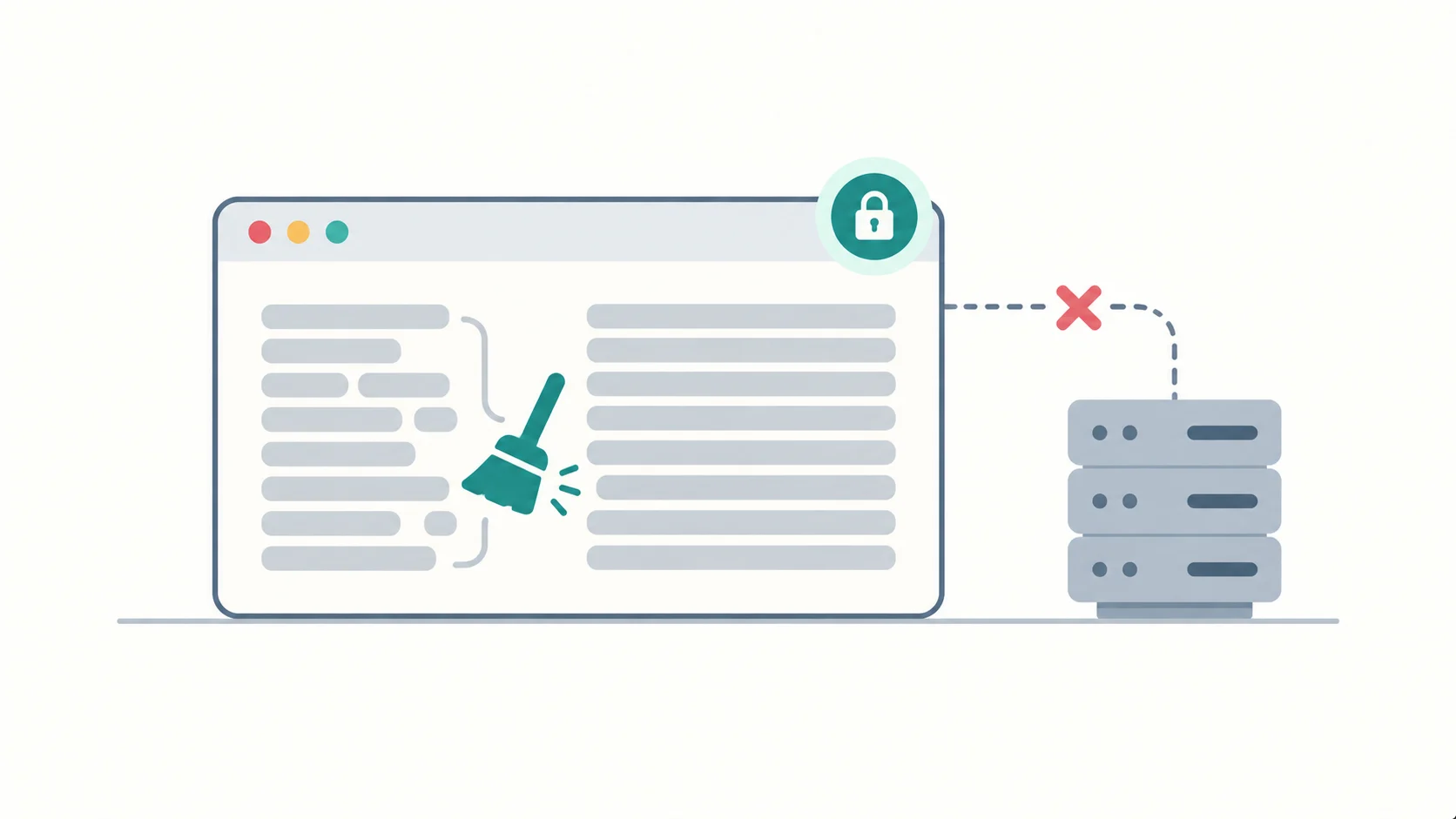
Text cleaning is the clearest case for browser-local processing in the whole utility category. The operation is pure string manipulation on text you already have. There is no rendering, no heavy computation, and no reason to involve a server.
The text you clean is often sensitive. A pasted contract, a client email, an unpublished draft, or a set of personal notes all benefit from never leaving your device. A browser-local cleaner performs the same transformation instantly and transmits nothing.
This is the general principle of the free tools group: when a task can be done locally at full speed, doing it locally removes a risk at no cost.
Cleaning text from specific sources
The right cleaning steps depend on where the text came from, because each source leaves its own artifacts.
Text from a PDF
A PDF is the worst source and the most common. Expect a break at the end of every visual line, hyphenated words split across lines, running headers and footers mixed into the body, and page numbers embedded mid-paragraph. Cleaning needs several passes: join the broken lines, repair the split words, remove the repeated headers and footers, then strip the stray page numbers. The header and footer removal is the step most tools skip, and it is the one that leaves the most visible mess.
Text from an email
An email copied from a plain-text client arrives wrapped at a fixed column width, so the breaks fall at the wrap point rather than at sentence ends. Cleaning here is the straightforward stray-break removal described above. The one trap is quoted reply markers, the angle brackets or “greater than” signs at the start of each quoted line, which need removing before the breaks are joined.
Text from a word processor
Text from a word processor usually copies cleanly, because the application holds real paragraphs. The artifacts appear when the file is exported to a format that loses structure, such as plain text, at which point soft wraps can become hard breaks. Check the paragraph count before and after cleaning to confirm nothing merged.
Text from optical character recognition
OCR output carries its own errors on top of the usual breaks: misread characters, split words, and merged words where a space was missed. Cleaning fixes the whitespace but cannot fix the recognition errors, which need proofreading. Treat OCR text as a draft that requires a human pass.
Text from a web page
Copying from a web page often brings formatting rather than breaks. The text may carry inline markup, hidden tracking characters, or non-breaking spaces that look like normal spaces but break search and comparison. Cleaning should strip markup and convert non-breaking spaces to regular ones.
Text from a code editor
Text from a code editor carries the line breaks of the code, which are syntax rather than formatting. Removing them will break the code, so this is the one source where the cleaning tool should not be used on the breaks at all, only on trailing whitespace.
Frequently Asked Questions
How do I remove line breaks without removing paragraph breaks?
Use a cleaner that applies a rule rather than a blanket replace. The rule is to remove a break when the line above does not end a sentence and the line below does not start one, and to keep the break otherwise. A tool that offers only “remove all breaks” will merge your paragraphs.
Why does text copied from a PDF have line breaks everywhere?
A PDF stores text as positioned fragments rather than flowing paragraphs, so copying it follows the visual layout. Every line that ended on the page becomes a break in the copy, even when the text is one continuous paragraph.
What is the difference between a line break and a paragraph break?
A line break moves to the next line within the same block of text. A paragraph break ends one block and starts another. When text is pasted, line breaks are often unwanted artifacts, while paragraph breaks carry the real structure and should be preserved.
Can removing line breaks damage my text?
Yes, in three cases: poetry and dialogue where line structure is meaningful, lists and addresses where breaks separate items, and code where breaks are syntax. For these, remove only the extra spaces and invisible characters and leave the breaks alone.
Does a text cleaner upload my text?
Some do, some do not. Cleaning is a string operation a browser performs locally, so a tool that uploads your text is doing so by choice. Browser-local cleaners keep your text on your device, which matters when the text is sensitive.
Can I clean text without installing anything?
Yes. Browser-based cleaners run without installation, and the better ones run entirely in the browser with no account and no upload. Installation is only justified for tools that need to work on local files in bulk.
Where to Read Next
This article is part of a five-article cluster about browser-local text and document utilities. The entry point covers why browser-local document and text tools beat uploading your files. The counting piece covers what a word counter online should actually count. The formatting piece covers the case converter online. The conversion piece covers what a document converter online can and cannot do in a browser.
The SOVEL Software family page lists every free utility in the tools group.
Word count: 2,123