
Search for a 3D flipbook WordPress plugin and nearly every result is a sales page. Each one claims the smoothest flip, the most features, the best value. None of them tells you how to check whether any of that is true.
This article does the opposite. It gives you seven differences that actually matter, and a ten-minute test you can run on any plugin, including this one, before you spend anything. If the test rules out the product this article is attached to, that is a useful outcome too.
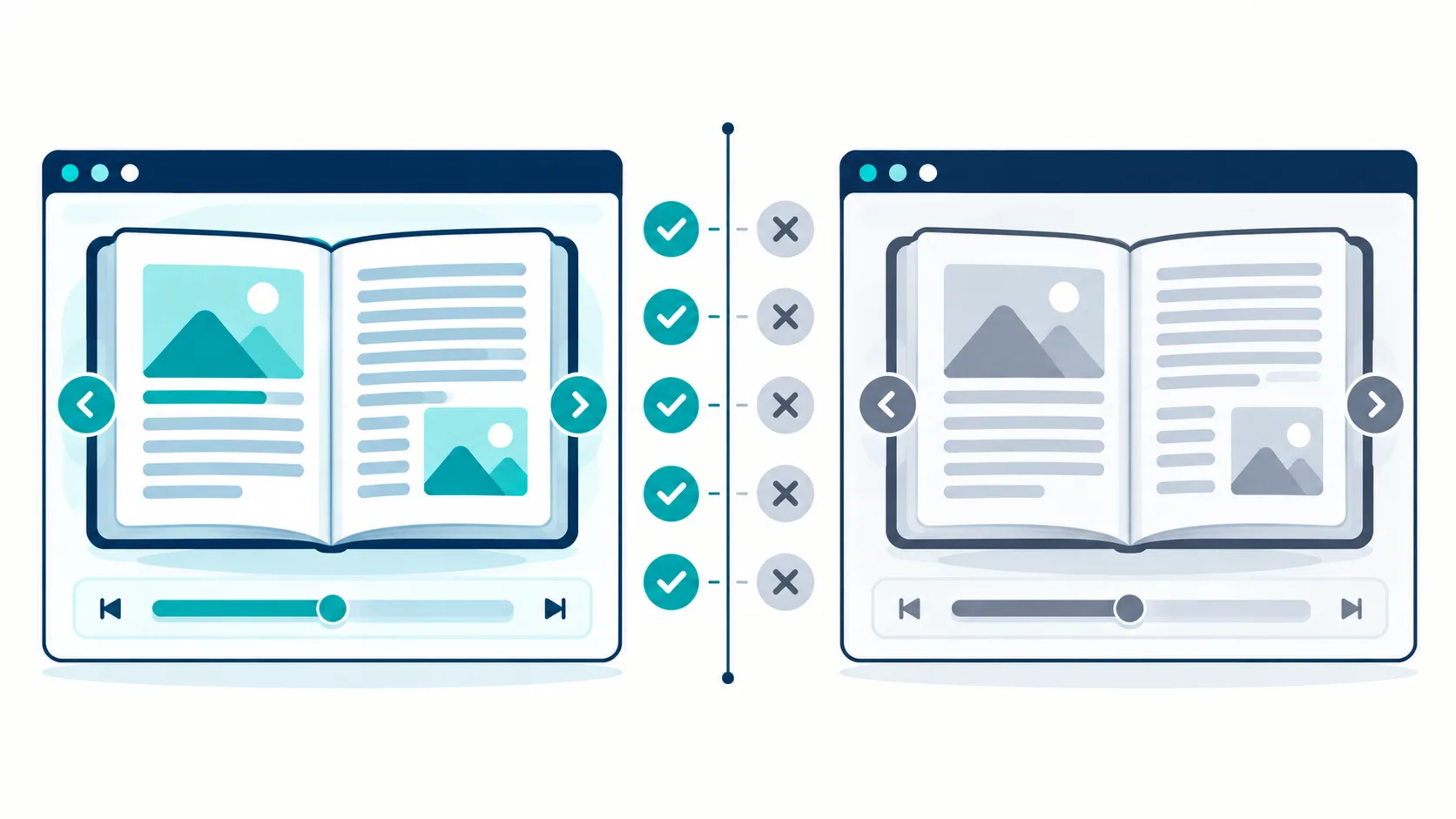
Why Almost Every Result Is a Sales Page
The 3D flipbook category is small, competitive, and mostly sold on visuals. A page-curl animation is easy to record and easy to make look impressive in a video, which means the marketing writes itself and the technical comparison does not.
The result is that buyers compare year-one prices and screenshots, then discover the real differences after purchase: two flipbooks on one page break, mobile rotation mid-read loses the place, search returns a page number with no context, and the yearly invoice arrives again.
Those differences are testable before purchase. Most of them take minutes to check. The seven below are the ones that change how the product works in practice.
The 7 Differences You Can Test
1. Whether two flipbooks can run on one page
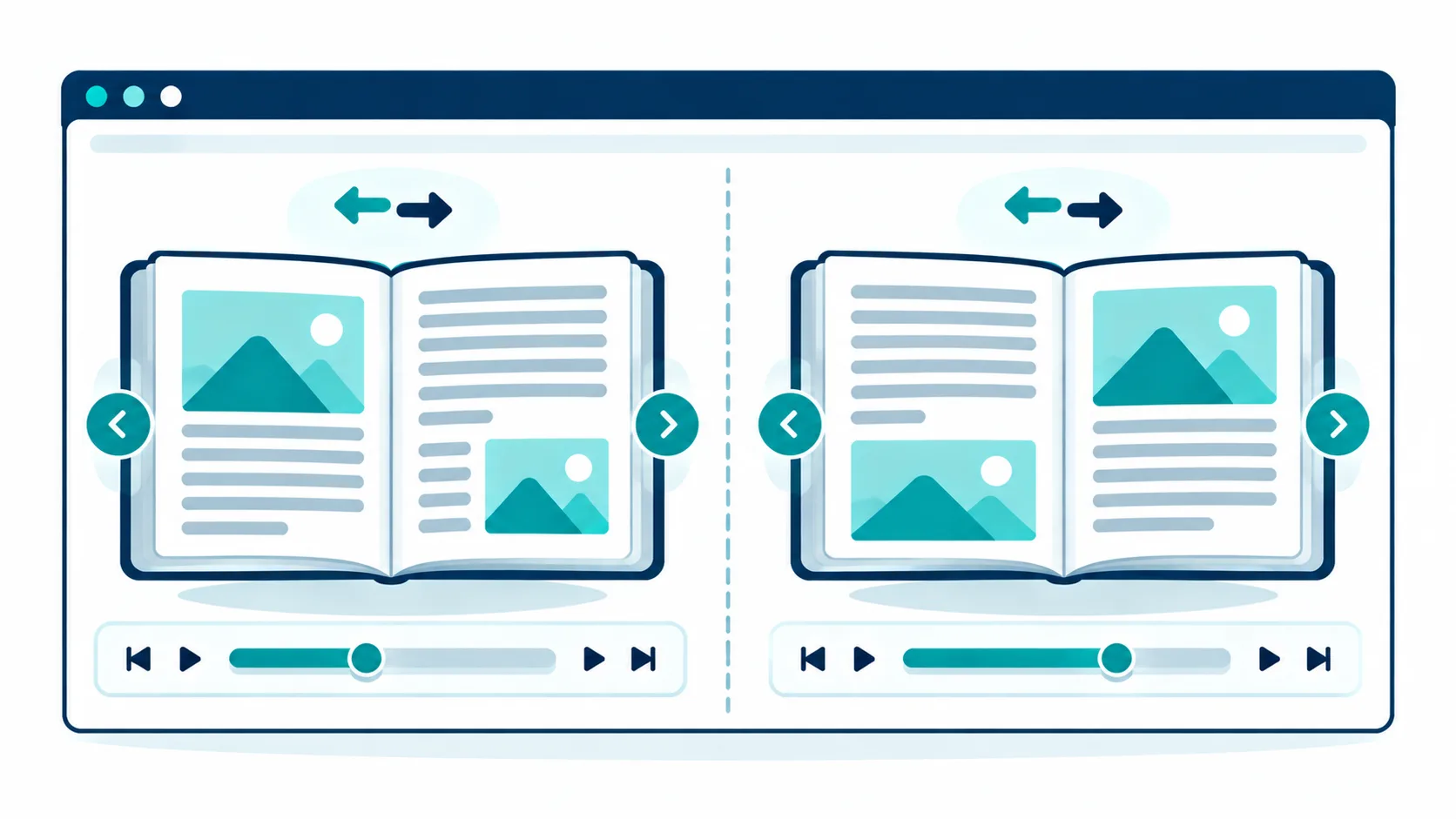
Put two flipbook instances on the same page and turn a page in each. If the second instance controls the first, or if turning a page in one book turns a page in the other, the plugin has a listener-scoping problem.
This is the single most common failure in the category, because both instances attach listeners to the same document-level events. RealFlip fixed scoped-listener separation in version 3.0.1, which is why two books can coexist on one page. Test it on any plugin before you buy, because the failure is invisible until you need the feature.
2. What happens when the phone rotates mid-read
Open a book on a phone, start reading, then rotate the device from portrait to landscape and back. A plugin that handles rotation keeps the reader’s page and scroll position. A plugin that does not will jump to a different page, or reset to the cover.
This test takes fifteen seconds and reveals more about a plugin’s engineering than any feature list.
3. Whether search finds a word on page 90
Search for a word you know appears deep in the document, then check what the result shows. A weak implementation returns a page number. A useful one returns the sentence around the match.
RealFlip returns up to 20 results and shows 40 characters before and 80 characters after each match. That context window is the difference between a search that helps and a search that sends the reader hunting.
4. Whether zoom and pan actually work together
Zoom in, then drag to move around the enlarged page. Many plugins zoom correctly and then fail to pan, so the reader is stuck looking at one corner of a zoomed page. Test zoom and drag as a pair, not separately.
5. Whether printing is possible
If a reader wants to print a page, does the plugin allow it? Some do, some block it, and some allow it but print a broken layout. The answer matters if your document is something readers may want on paper.
6. How it behaves on a slow connection
Throttle your connection to a slow 3G setting, then open a book. A plugin with a preload window loads the first few pages and stays usable. A plugin that loads the whole document before showing anything will leave the reader on a blank screen.
RealFlip renders at 1.5x scale and keeps a 7-page memory window, three pages before and three after the current page. That is what keeps the next page instant without preloading the entire file.
7. The total cost over three years, not one
Every sales page shows the year-one price. Almost none shows the three-year total. Compute it yourself.
Published prices in this category include $49 per year, $55 per year for a single site, $59 per year, and $159 per year for unlimited sites, with a lifetime unlimited option around $319. Those figures come from the WP Mayor flipbook plugin roundup and from vendor pricing pages read on 2026-09-23, and prices change, so check the source before you decide.
The arithmetic is simple and worth doing in front of yourself. A $49 per year licence costs $147 over three years. A $159 per year unlimited licence costs $477 over three years. A one-time licence costs its price once. The gap widens every year after that.
The Ten-Minute Test Checklist
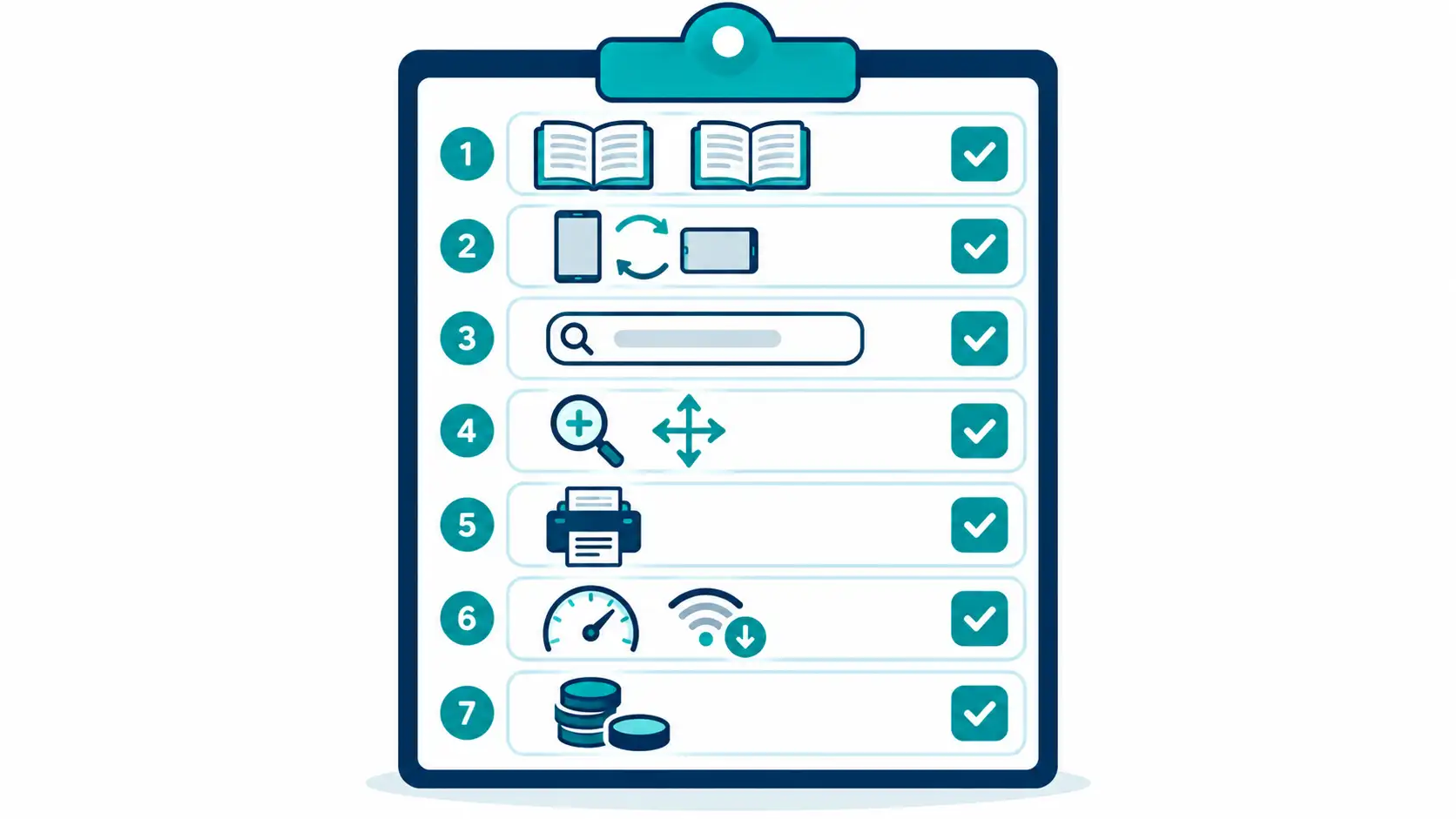
Here is the same seven differences as a checklist you can run on any plugin, in order, in about ten minutes.
- Place two flipbooks on one page. Turn a page in each. Confirm they do not control each other.
- Open on a phone. Rotate portrait to landscape and back. Confirm the page is kept.
- Search for a word on a deep page. Confirm the result shows context, not just a number.
- Zoom in, then drag. Confirm the pan follows the zoom.
- Try to print a page. Confirm the output is usable.
- Throttle to slow 3G and open a book. Confirm the first pages appear quickly.
- Find the three-year cost. Confirm you are comparing the same period across every option.
Seven checks. None of them require a purchase. Most plugins can be tested on a demo or a staging site, and the ones that cannot be tested are telling you something by refusing.
The Honest Part: Different Tools Suit Different Jobs
It would be easy to write this article as an argument that one plugin wins every test. That would not be true.
If you want a page-curl animation for visual decoration, and readers will not stay past the first few pages anyway, then a cheaper display-focused plugin is the better buy. You would be paying for a reading-aid set you will not use.
If you need a flipbook that integrates with a specific membership system, a competitor built for that integration may fit better than a self-hosted one.
If you need enterprise-grade digital rights management, no WordPress flipbook plugin provides that, including this one. That is a different category of product.
The honest framing is that RealFlip is built for reading and for self-hosted selling. If your job is decoration, buy decoration. If your job is keeping a reader to page 40, the features above are the ones that matter.
What the Published Prices Actually Say
The comparison that matters is not feature against feature, because feature lists are written to look similar. It is cost against cost over a period you will actually pay.
| Option | Year 1 | Year 3 total | What you get |
|---|---|---|---|
| Yearly single-site licence | $49 | $147 | One site, updates while paid |
| Yearly single-site licence | $55 | $165 | One site, updates while paid |
| Yearly licence | $59 | $177 | One site, updates while paid |
| Yearly unlimited-site licence | $159 | $477 | Unlimited sites, updates while paid |
| Lifetime unlimited licence | $319 | $319 | Unlimited sites, updates included |
| RealFlip one-time licence | One payment | One payment | Self-hosted, updates included |
The figures in the yearly rows come from the WP Mayor flipbook plugin roundup and vendor pages read on 2026-09-23. The point of the table is not that one number is lower, it is that the yearly rows keep going and the lifetime rows do not.
The counter-argument is real and should be stated. A yearly licence funds ongoing development, and a one-time licence depends on the vendor continuing to ship updates. If a vendor stops developing, a lifetime licence becomes a frozen version. That risk is genuine, and the way to manage it is to check the update history before you buy, which is the next section.

What to Check Before You Choose Either Model
Four things decide whether a licence is worth its price, and none of them appear in a price comparison.
Update terms. Does the licence include updates for as long as you hold it, or only while you keep paying? A lifetime licence that includes updates is a different product from a lifetime licence that includes the current version only.
Support window. How long is support included, and what does it cover? A support window that ends after 12 months is a hidden renewal.
Site limit. Does the licence cover one site, a fixed number, or unlimited? A single-site licence at a low price becomes expensive when you build a second site.
Refund window. Is there a refund window, and what does it require? A refund policy that requires the product to be unused is a narrow window, and it is worth knowing that before purchase rather than after.
RealFlip ships a changelog that records security work in the open, including a version 3.0.1 release that fixed 13 PHP defects, added nonce verification, and added multi-instance listener scoping. That record is the evidence that the product is still being maintained, which is the risk the yearly-licence argument raises.

How to read a flipbook plugin changelog
A changelog is the most honest document a plugin publishes, because it records what actually changed rather than what the marketing page claims. Reading one takes a few minutes and tells you whether the plugin is maintained and whether the bugs you care about have been fixed.
Start with the dates. A changelog whose most recent entry is more than a year old suggests a plugin that has stopped moving. That is not automatically disqualifying, because a mature plugin can be stable, but it matters for anything that depends on current browsers and WordPress versions. A plugin that has not been updated to address a browser change is a plugin that may break on the next one.
Next, read the version numbers. A plugin that jumps from 1.0 to 2.0 may have rewritten its core, which can change behaviour you relied on. A plugin that moves from 3.0.0 to 3.0.1 is signalling a small fix, which is usually what you want. The pattern of numbering tells you the scale of each change before you read the detail.
Then, look for the bug fixes that touch the features you need. If your site shows two flipbooks on one page, look for the release that fixed scoped-listener separation, because that is the change that makes multi-instance layouts work. If you rely on search, look for entries about the search index or the context window. A changelog entry that names a specific fix is more useful than one that says “various improvements”.
Be cautious of entries that only add features and never fix anything. A plugin that grows without correcting reported problems is accumulating debt, and the debt shows up on your site rather than the developer’s. The most trustworthy changelogs mix additions with fixes and mention what was corrected rather than only what was added.
Finally, check whether old versions remain available. A plugin that keeps a stable previous release gives you a way back if an update causes a problem on your site. A plugin that only offers the latest version leaves you with no rollback path, which is a risk on a live site.
Reading a changelog is not glamorous, and it is the closest thing to an independent record of a plugin’s quality. Before you commit to one, spend five minutes on its history. The dates, the version pattern, and the balance of fixes to features will tell you more than the sales page does.
Frequently Asked Questions
Which 3D flipbook plugin is best?
There is no single answer, because the best plugin depends on whether your goal is decoration or reading. For decoration, a cheaper display-focused plugin is fine. For keeping a reader to the end of a document, the seven tests above are the ones to run, and the plugin that passes them is the best one for your job.
Do I need WebGL for a flipbook?
No. The page-flip effect is achievable with CSS transforms and a JavaScript library such as Turn.js, which is what RealFlip uses. WebGL is not required for a smooth page turn, and requiring it would exclude older devices for no benefit.
Can I run two flipbooks on one page?
Only if the plugin scopes its event listeners per instance. Many do not, and the failure shows up as one book controlling the other. RealFlip fixed this in version 3.0.1. Test it on any plugin before purchase, because it is invisible until you need it.
What happens on mobile?
The plugin documents support across four mobile browsers, with Safari 16 and above on iOS 16 and above as the Apple baseline. The magnifier and focus ruler are built for touch, and the rotation behaviour is part of the ten-minute test above.
How do I test a flipbook before buying?
Use a demo or a staging site. Run the seven checks in this article. A vendor that offers no way to test is telling you something, and the cost of finding out after purchase is higher than the cost of testing first.
Is a yearly licence better than lifetime?
It depends on the update history and the support window, not on the headline price. A yearly licence with active development and strong support is worth more than a lifetime licence from a vendor who has stopped shipping. Check the changelog and the support terms before deciding, and compare the three-year total rather than the year-one price.
Where to Read Next
This article is the comparison piece in a five-article cluster about PDF reading and selling on WordPress. The flagship piece covers the features that make readers finish a flipbook. The monetization piece covers selling a PDF ebook online with WordPress. The security piece covers the WordPress plugin to password protect PDF files. The budget piece covers WordPress flipbook plugin cost.
For the independent pricing reference used above, the WP Mayor flipbook plugin roundup publishes vendor prices with dates. If your site is built around books, the SOVEL Studio theme ships the content model a flipbook fits into.
Word count: 2,384