
Run a Local AI Content Analysis Agent: Unlimited Free Searches
A local AI content analysis agent is the content gap model that lives on your own machine or server. It does not call a paid cloud API per search, and it does not meter your usage monthly. Once you install it, you can run as many content gap analyses as you want, free, for as long as you keep it.
This guide explains what a local AI content analysis agent is, how it differs from cloud tools, how to install and use one, and why going local is the most cost-effective way to scale content research.
What a local AI content analysis agent is
A local AI content analysis agent is software that performs content gap analysis on your own hardware instead of a vendor’s cloud. You give it a topic or a URL, and it returns the scored keyword cluster, gaps, and opportunities — all processed locally.
The agent is typically:
- Self-hosted — it runs on your machine, server, or inside your own tools.
- Offline-capable — it does not depend on a live third-party service to work.
- Unmetered — there is no per-search fee because you are not renting compute.
- Private — your topics never leave your environment.
Local vs cloud: the real difference
A cloud content analysis tool sends your topic to a remote server, runs the analysis, and sends the report back. It is convenient, but you pay per operation or per month, and you depend on the vendor’s uptime.
A local AI content analysis agent flips the economics. You own the engine. The analysis runs where you work. There is no monthly bill, no per-search cost, and no data leaving your machine. For anyone running many analyses — agencies, researchers, content teams — local wins on both cost and privacy.
The cost breakdown, line by line
Three differences explain why local wins on price:
- Cloud tools bill per action. Every keyword cluster you score, every gap you pull, and every report you generate consumes compute on the vendor’s side, so it is metered. Across a month of daily research, those small per-use charges compound into a recurring line on a budget.
- Local agents bill once. You pay for the engine one time. After that, a thousand analyses cost exactly the same as ten, because the machine doing the work is already yours. There is no marginal cost per search.
- Cloud plans tier by volume. Many cloud tools publish monthly tiers, and hitting the ceiling means either paying for the next tier or stopping work mid-month. A local AI content analysis agent has no ceiling, so your output is never throttled because of a billing cap.
That difference matters most to heavy users. If you analyze one topic a week, a cloud subscription might be a rounding error. If your team analyzes twenty topics a day across multiple client accounts, local becomes the obvious economy.
The privacy dividend
The second reason local wins is control over where your data goes. Cloud analysis means your query travels over the network to a server you do not control. A local AI content analysis agent keeps everything on hardware you own:
- Competitor URLs stay private. If you are researching a client’s competitor, you may not want that name attached to your account or visible in a vendor’s logs.
- Unpublished product ideas stay in-house. Topics you plan to rank for may be publicly sensitive. Running them through a local engine means the idea is never transmitted.
- Agency client separation stays clean. When an agency analyzes for many clients, a local AI content analysis agent avoids mixing confidential client research with a shared vendor account.
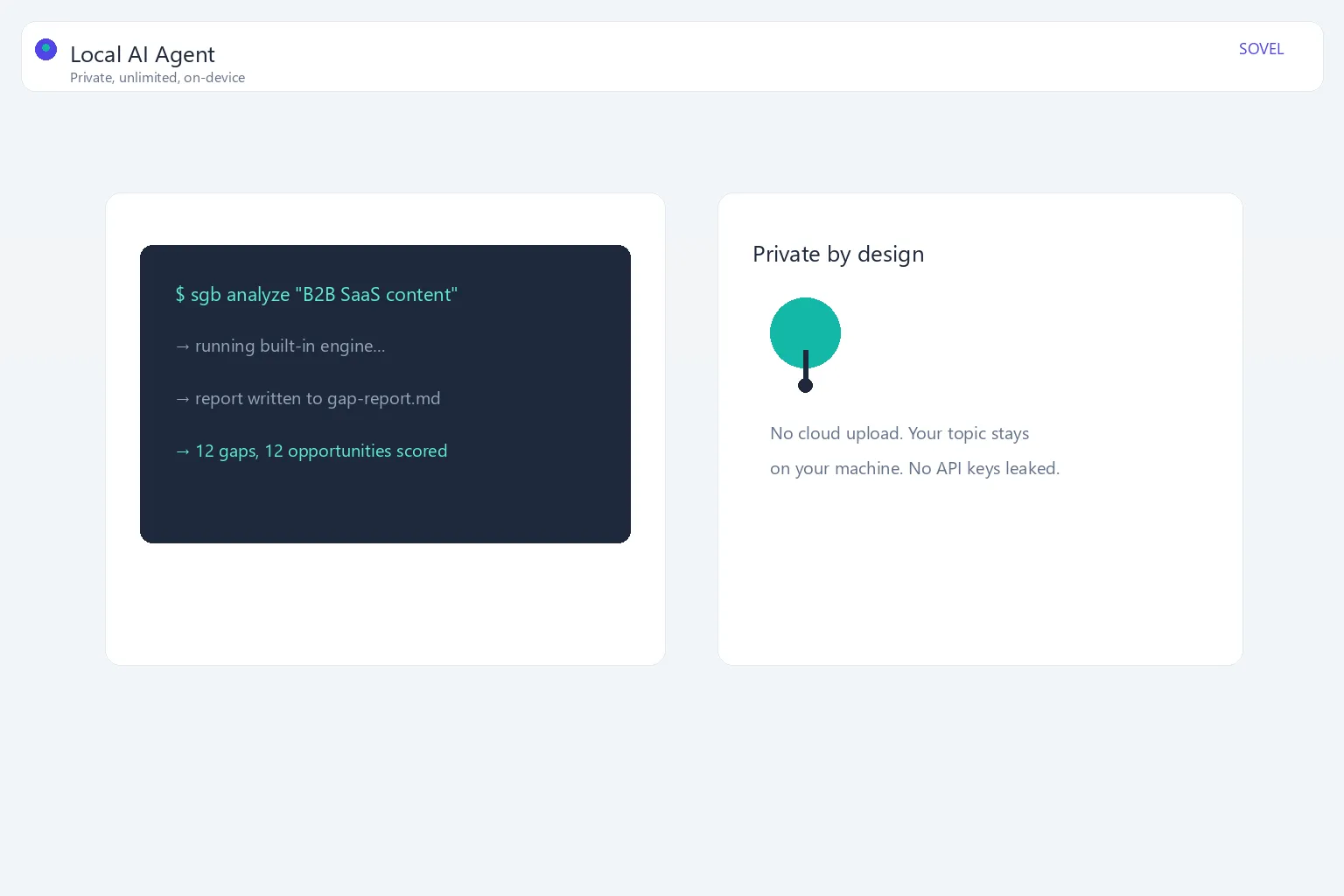
For teams bound by data-handling agreements — or anyone who prefers not to route sensitive research through a third party — local removes an entire category of risk.
Local vs cloud at a glance
The table summarizes how a local AI content analysis agent and a cloud tool differ across the dimensions that matter most:
| Dimension | Local AI content analysis agent | Cloud content tool |
|---|---|---|
| Pricing model | One-time purchase | Per-search or monthly subscription |
| Cost per analysis | Effectively zero after purchase | Metered per operation |
| Volume ceiling | No practical limit | Capped by plan tier |
| Where data is processed | Your own machine | Vendor’s remote servers |
| Network dependency | Works offline | Requires an internet connection |
| Privacy control | Full, you own the data | Data leaves your environment |
| Rate limiting | None on your side | Vendor-enforced limits |
| API key required | No | Often yes |
| Ownership | Yours, forever | Rental, ends if you stop paying |
| Best for | Heavy, ongoing research | Occasional, quick checks |
That table is why agencies and serious content teams migrate to local once their volume grows.
How the SOVEL GAP BRAIN engine goes local
The SOVEL GAP BRAIN engine is built to run locally. In fact, the WordPress plugin runs the analysis in pure PHP directly on your own hosting, with no external API key. That same engine is available inside terminal and desktop workflows, and it integrates with modern AI coding agents and local tools.
The result: once you own the engine, you get unlimited free searches for your own work. You can analyze a dozen topics a day with no cost concern, because the compute is yours.
Installing a local content analysis agent
The exact install steps depend on your environment, but the pattern is consistent:
- Get the engine — download the SOVEL GAP BRAIN engine (Personal, Pro, or Agency edition) from SOVEL GAP BRAIN engine.
- Place it in a working folder — a directory your tools can reach.
- Run the included bridge or CLI — the engine ships with a small local server and command-line interface that exposes the analysis.
- Connect your agent — point your coding agent, terminal workflow, or desktop app at the local engine.
Once the local endpoint is up, you send topics to it and receive reports back — all on your machine.
A step-by-step install walkthrough
Here is a concrete, terminal-style walkthrough using the SOVEL GAP BRAIN engine’s built-in bridge. The exact commands vary by operating system, but the pattern is the same everywhere.
Step 1 — Create a working folder and download the engine.
mkdir ~/sovel-local
cd ~/sovel-local
curl -L -o sovel-gap-brain.zip https://sovel.pro/sovel-gap-brain-engine/download
unzip sovel-gap-brain.zip
cd sovel-gap-brain
Run ls to confirm the engine files and the bridge executable are present.
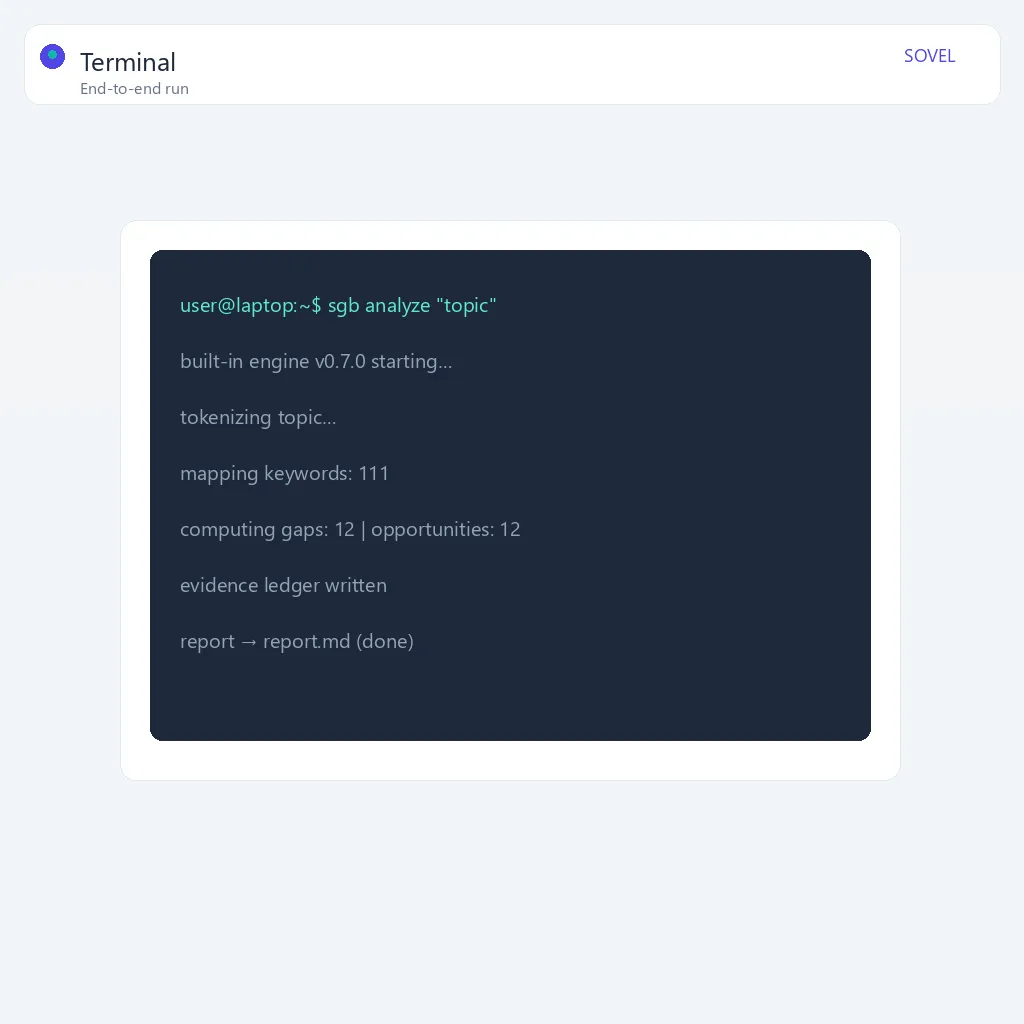
Step 2 — Start the local bridge.
The engine ships with a small HTTP bridge that exposes the analysis as a local endpoint. Start it with:
./bridge --port 8080
You should see output like SOVEL GAP BRAIN bridge listening on http://127.0.0.1:8080, which tells you the engine is alive.
Step 3 — Send a first analysis request.
In a second terminal window, send a topic to the local endpoint:
curl -X POST http://127.0.0.1:8080/analyze \
  -H "Content-Type: application/json" \
  -d '{"topic":"local SEO for small business"}'
The response is a JSON object containing the scored keywords, the gaps, the opportunities, and a summary.
Step 4 — Save the output to a file.
A realistic workflow saves the result so you can reuse it:
curl -X POST http://127.0.0.1:8080/analyze \
  -H "Content-Type: application/json" \
  -d '{"topic":"local SEO for small business"}' \
  -o report.json
From there you can pipe the JSON through jq, generate a Markdown brief, or feed it to your writing assistant.
Step 5 — Schedule repeated analyses.
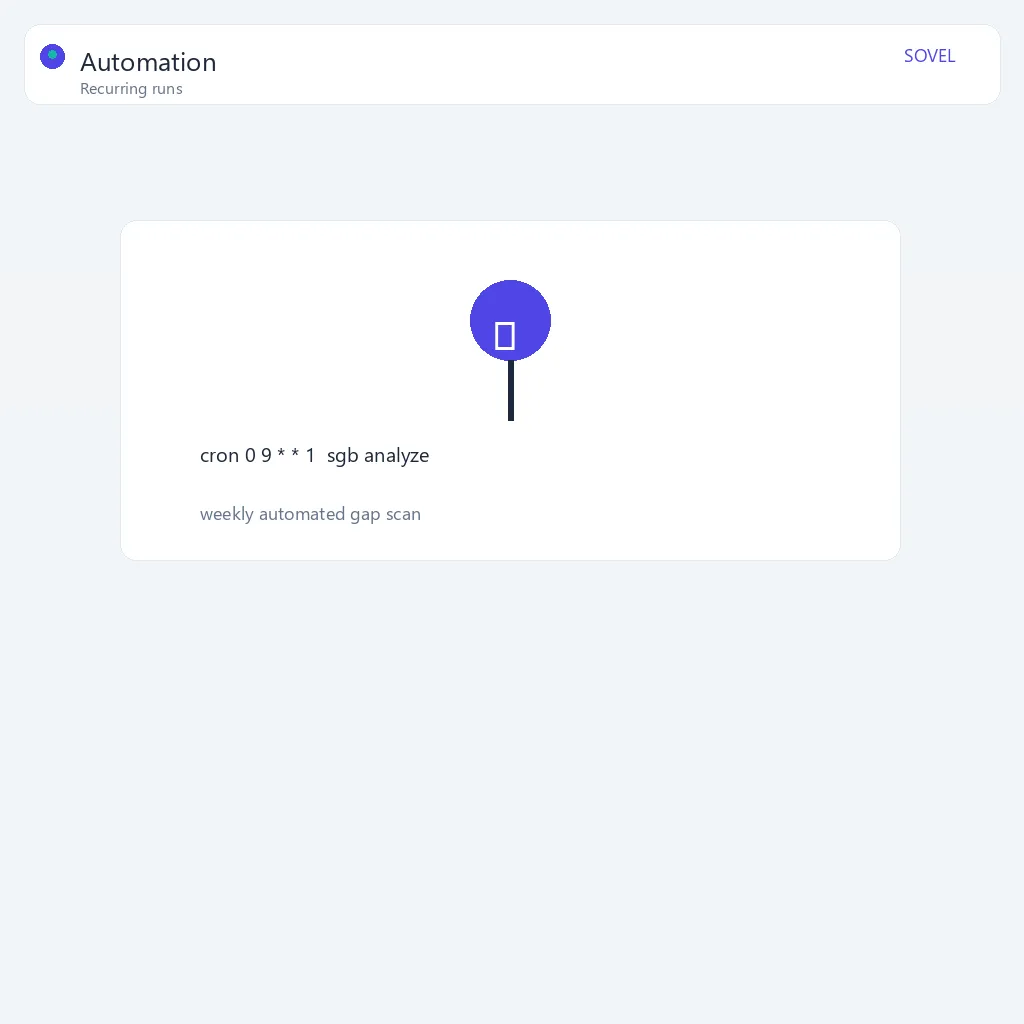
Because the agent is local and unmetered, you can schedule it like any other job on your machine. A cron line for a daily topic refresh looks like:
0 8 * * * curl -X POST http://127.0.0.1:8080/analyze -H "Content-Type: application/json" -d '{"topic":"local SEO for small business"}' -o ~/gaps/daily.json
This is the real power of local: your research pipeline runs unattended, with no API budget to monitor.
That walkthrough is the full loop: install, start, analyze, save, schedule, and stop. When you are done, stop the bridge with Ctrl+C or curl http://127.0.0.1:8080/shutdown — the engine closes cleanly and keeps your reports on disk.
Using the agent from a terminal
The simplest way to use a local AI content analysis agent is from the command line. The bridge starts a local HTTP server, and you send a request with your topic:
POST /analyze
{"topic": "local SEO for small business"}
The response contains the scored keywords, gaps, opportunities, and summary, which you can pipe into your own scripts, generate into content briefs, or feed to a writing agent. Because the endpoint is local, there is no rate limiting and no per-call billing.
Connecting to AI coding agents and desktop apps
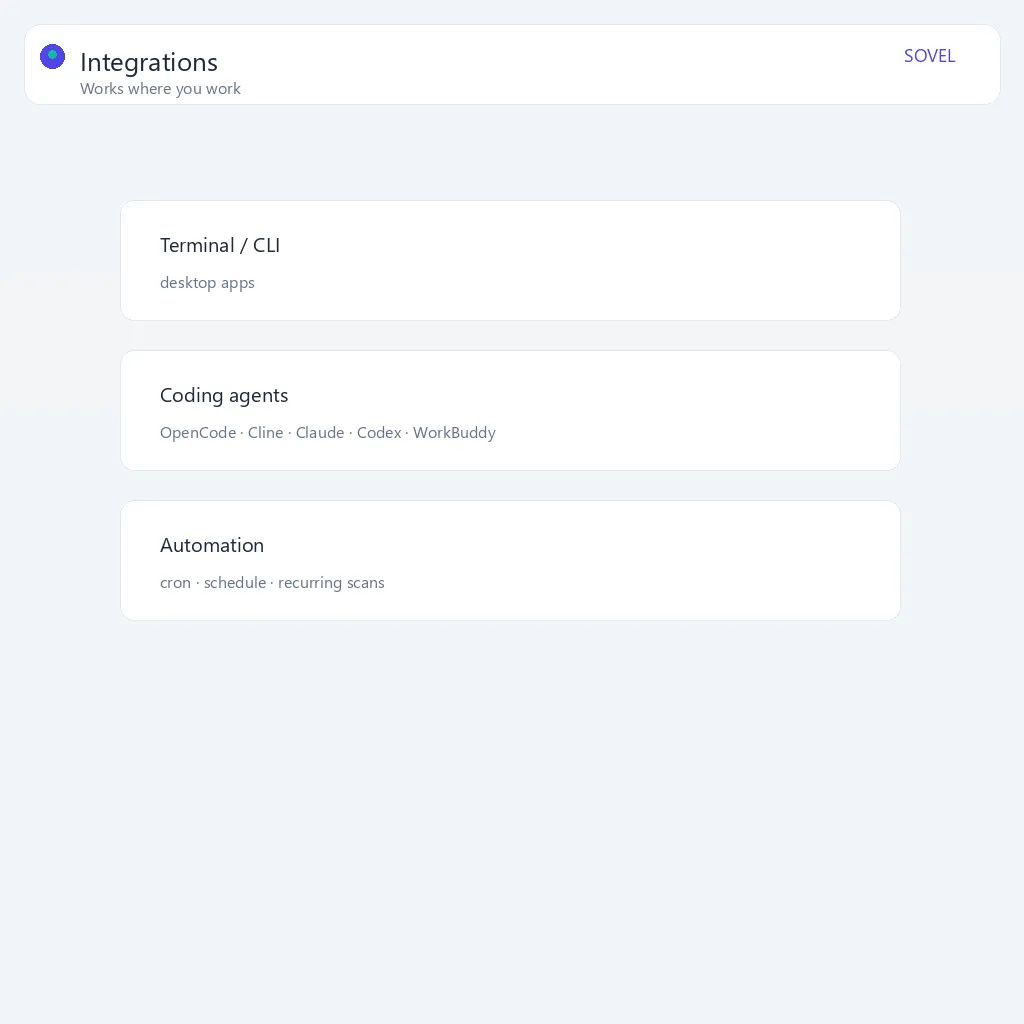
Local AI content analysis is especially powerful inside the tools you already use. The engine’s local interface can be wired into coding agents and desktop assistants such as OpenCode, Cline, Claude, Codex, Grok, WorkBuddy, Kimi, and similar terminal or desktop applications. Because the engine exposes a plain HTTP endpoint, essentially any agent that can make a web request can reach it.
In practice, that means you can ask your assistant: “Analyze this topic for content gaps and give me the outline.” The assistant calls the local engine, gets the structured report, and helps you draft the page. All of it runs on your machine, free.
How the integration works
Connecting an agent to the local engine is a two-part setup. First, tell the agent where the engine lives: most coding agents support custom tools, MCP servers, or shell commands, so you register the local endpoint — for example http://127.0.0.1:8080/analyze — as a tool it may call. Second, describe the request format: you define a short instruction so the agent knows to send a JSON POST to /analyze with a topic field and return the structured analysis. Once configured, the agent treats the engine like any other capability — calling it on demand, passing the result into a draft, or chaining it with other tools.
What each kind of agent gains
The value changes a little depending on where you work:
- Coding agents (OpenCode, Cline, Codex) — you can ask for a gap analysis and immediately turn it into an outline, a docs scaffold, or a set of content files. The report becomes build input, not just a document.
- Desktop assistants (Claude, Grok, WorkBuddy, Kimi) — you can keep research inside your normal assistant window. A prompt like “find content gaps for our pricing page” returns a structured report the assistant can summarize or export.
- Terminal-based workflows — you can script the engine with
curl, feed results intojq, and build your own automation without any assistant UI.
The common thread is that the local AI content analysis agent becomes a reusable component in any workflow you already run, rather than a separate website you have to open.
A realistic example
Suppose you are preparing a blog post about “on-page SEO”. You ask your agent to run a content gap analysis on that topic and give you a brief. The agent calls the local engine, which returns a scored keyword cluster, the gaps, and suggested headings; the agent turns that into a content brief with an outline and target keywords; and you review and edit it before handing it to a writer. Every step except your review runs on your machine — free, private, and ready to use. See local AI agent workflows for software development for the full integration walkthrough.
Use cases for a local AI content analysis agent
A local AI content analysis agent earns its keep in several recurring scenarios:
- Agency research at scale. An agency analyzing topics for many clients can run daily checks on every account — free with a local AI content analysis agent, and client data never leaves the agency’s machines.
- Content team pipelines. A team producing dozens of articles a month can run a gap analysis for every planned piece before writing, not just the high-priority ones.
- Competitor and market tracking. Because local analysis is cheap, you can re-run competitor research on a schedule and watch how the gap landscape shifts over time.
- Private product research. If you are preparing to enter a market, a local AI content analysis agent keeps that intent confidential instead of sending it to a third party.
- Offline and constrained environments. Teams on air-gapped machines, restricted networks, or client sites that block external APIs can still run analysis locally.
- Learning and experimentation. Analysts can run unlimited trial analyses to see how different phrasings change the gaps, without spending a cent.
In short, the local AI content analysis agent fits wherever analysis is frequent, private, or both — it removes the two reasons people ration their research: cost and data exposure.
When local is the right choice
Choose a local AI content analysis agent when you run many analyses per day, value privacy and don’t want topics sent to a third party, want predictable one-time costs instead of recurring fees, or work inside terminals, coding agents, and desktop tools.
If you only need a quick, occasional check, the free web tool is enough. When analysis becomes a regular part of your workflow, go local.
Frequently asked questions
Is a local AI content analysis agent really free forever?
After you own the engine, yes. Because the analysis runs on your own hardware, there is no per-search fee and no subscription.
Do I need an API key?
No. The local engine runs on its own and needs no external API key.
Can I use it with my coding agent?
Yes. The engine’s local interface connects to terminal and desktop agents such as OpenCode, Cline, Claude, Codex, Grok, WorkBuddy, and Kimi. Any agent that can make an HTTP request can call the endpoint.
What about the free web tool?
The web tool is free with a fair daily per-device limit, perfect for a quick check. It is the browser-based cousin of the local engine, ideal for evaluating output before you invest in a local setup.
Is the full engine a monthly subscription?
No. It is a one-time lifetime purchase in three editions.
What formats can I export?
HTML, Markdown, Word, and PDF, all branded with SOVEL and timestamped. The same four formats come from the local engine and the web tool.
Which edition should I buy?
Personal suits a single user, Pro suits working professionals, and Agency suits teams and multi-client work. The engine’s local analysis is free in every edition once purchased.
Does a local AI content analysis agent need a powerful machine?
No. A typical laptop can run a content gap analysis comfortably. The engine is lightweight and does not require a GPU or a dedicated server.
Can I stop worrying about limits entirely?
For your own local use, yes. There is no per-search cap and no rate limit on the local endpoint. The only metered surface is the public web tool, which is capped to keep the free browser demo fair.
Is it hard to set up for a non-technical user?
If you are comfortable running a few terminal commands once, the setup takes minutes. For users who prefer no terminal at all, the desktop workflow is friendlier — you install the app, point it at a topic, and read the report.
Is the local AI content analysis agent as good as an expensive cloud tool?
The engine runs the same analysis logic whether it is local or in your browser. Local does not mean inferior; it means the compute is on your side rather than borrowed.
Checklist before going local
Use this checklist to get the most out of a local AI content analysis agent:
- [ ] Confirm your volume justifies local — if you analyze topics regularly, not just once, local pays off.
- [ ] Download the SOVEL GAP BRAIN engine in the edition that fits your work.
- [ ] Create a dedicated working folder for the engine and your reports.
- [ ] Start the local bridge and confirm it listens on a local port.
- [ ] Run a test analysis with a harmless topic to confirm output.
- [ ] Save your first report to a file rather than just viewing it.
- [ ] Connect your coding agent or desktop assistant to the local endpoint.
- [ ] Create one reusable prompt that calls the engine and formats the result.
- [ ] Add a scheduled daily or weekly analysis for topics you track.
- [ ] Keep client or unpublished research offline by never sending it to a web tool.
- [ ] Document which topics you analyze so your gap history is meaningful over time.
Final word
A local AI content analysis agent gives you unlimited, private, one-time-cost content research. Install the SOVEL GAP BRAIN engine on your machine, connect it to your favorite tools, and run as many analyses as you need — free, forever. Start with the free web tool to see the value, then go local when ready to scale.