
Content Gap Report Export: HTML, Markdown, DOC & PDF Formats
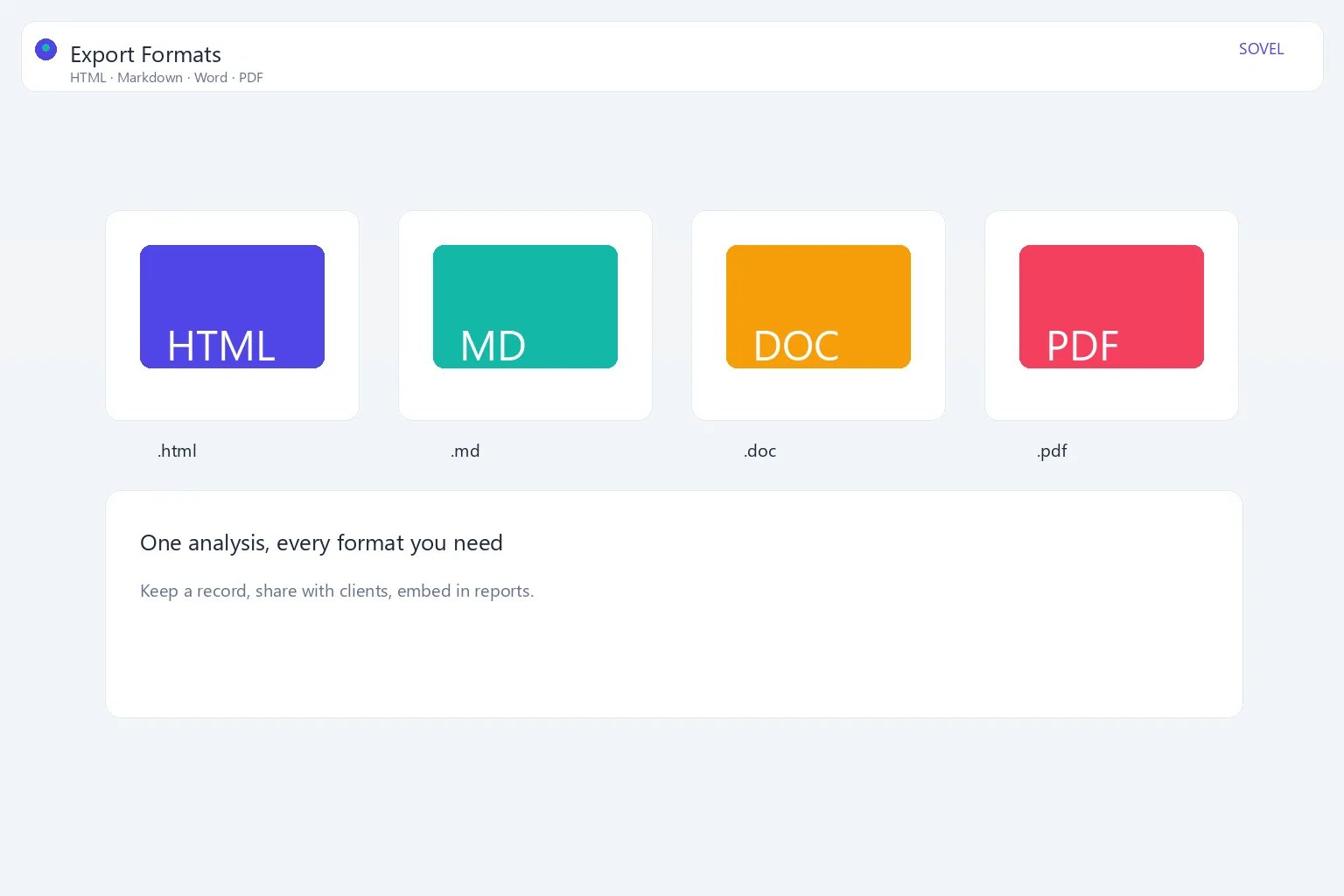
A content gap analysis is only as useful as the report you can share from it. The content gap report export formats you choose determine whether a client can open the file, whether a writer can edit it, and whether the report keeps your branding. This guide compares the four main formats — HTML, Markdown, Word, and PDF — and shows when to use each.
Every content gap report export you produce should earn its place: it either gets viewed, edited, or archived. Choosing the right format for each audience is the difference between a report that gets used and one that gets ignored. Throughout this guide we will focus on how each content gap report export serves a specific stakeholder.
You will also see how the SOVEL GAP BRAIN tool produces all four, with the SOVEL wordmark, the source site, and a timestamp stamped into every file.
Why export format matters
The raw output of a gap analysis is data. The exported report is the deliverable. The format of your content gap report export changes what the recipient can do:
- HTML opens in any browser and renders a styled, designed report.
- Markdown edits cleanly in any text editor and works with docs systems.
- Word (DOC) is familiar to clients and collaborators who work in Microsoft Word.
- PDF prints and shares as a fixed, professional document.
Choosing the right format for each audience is part of a credible workflow.
HTML export: the designed report
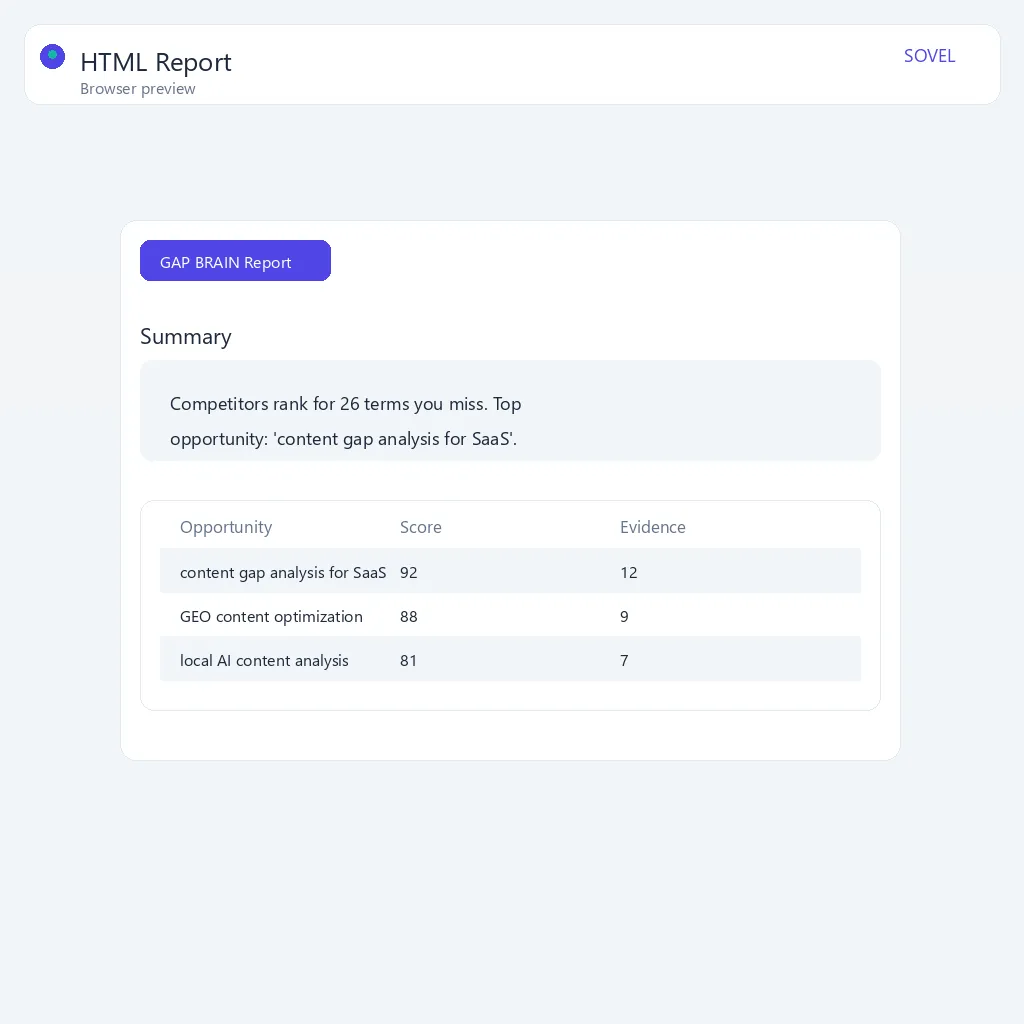
HTML is the format that preserves the full visual design of the report. When you choose an HTML content gap report export, the SOVEL GAP BRAIN engine delivers a styled page that includes:
- A gradient hero header with the wordmark.
- A KPI deck showing counts at a glance.
- Numbered sections for keywords, gaps, and opportunities.
- Badges for priority and format.
- An animated, 3D-style presentation for viewing in a browser.
HTML is ideal when you want the most polished, on-brand view — for a screen share, a web preview, or a self-contained page.
Markdown export: the editor’s friend
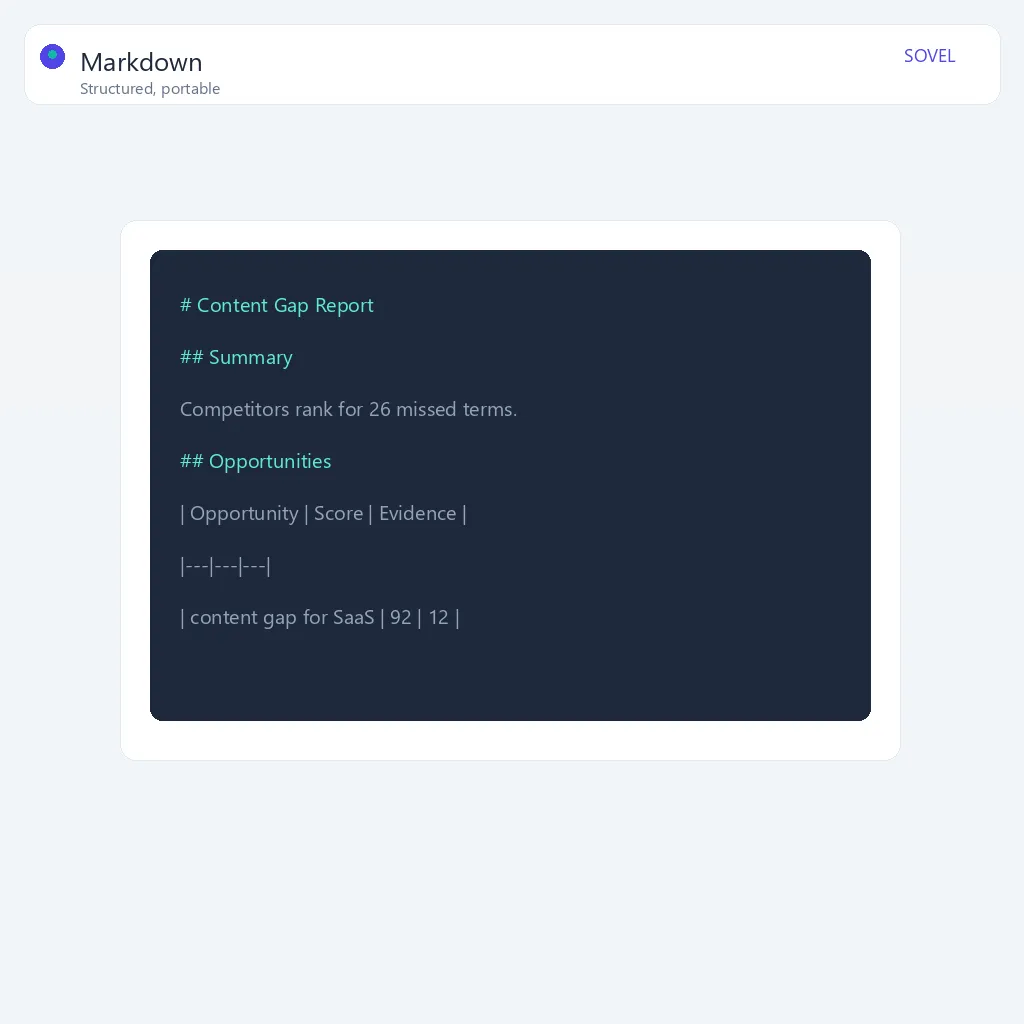
Markdown is the writer’s format. A Markdown content gap report export is plain text with lightweight formatting, so it opens in everything from a basic notepad to a full editor, and it cleanly converts into other systems.
The Markdown export keeps the same structure — headings, tables, and lists — so it is perfect for:
- Pasting into a content management system.
- Turning a report into a content brief.
- Archiving in a git or docs repository.
- Editing further before publishing.
If your team lives in Markdown, this is the format to hand a writer.
Word export: the collaborative standard
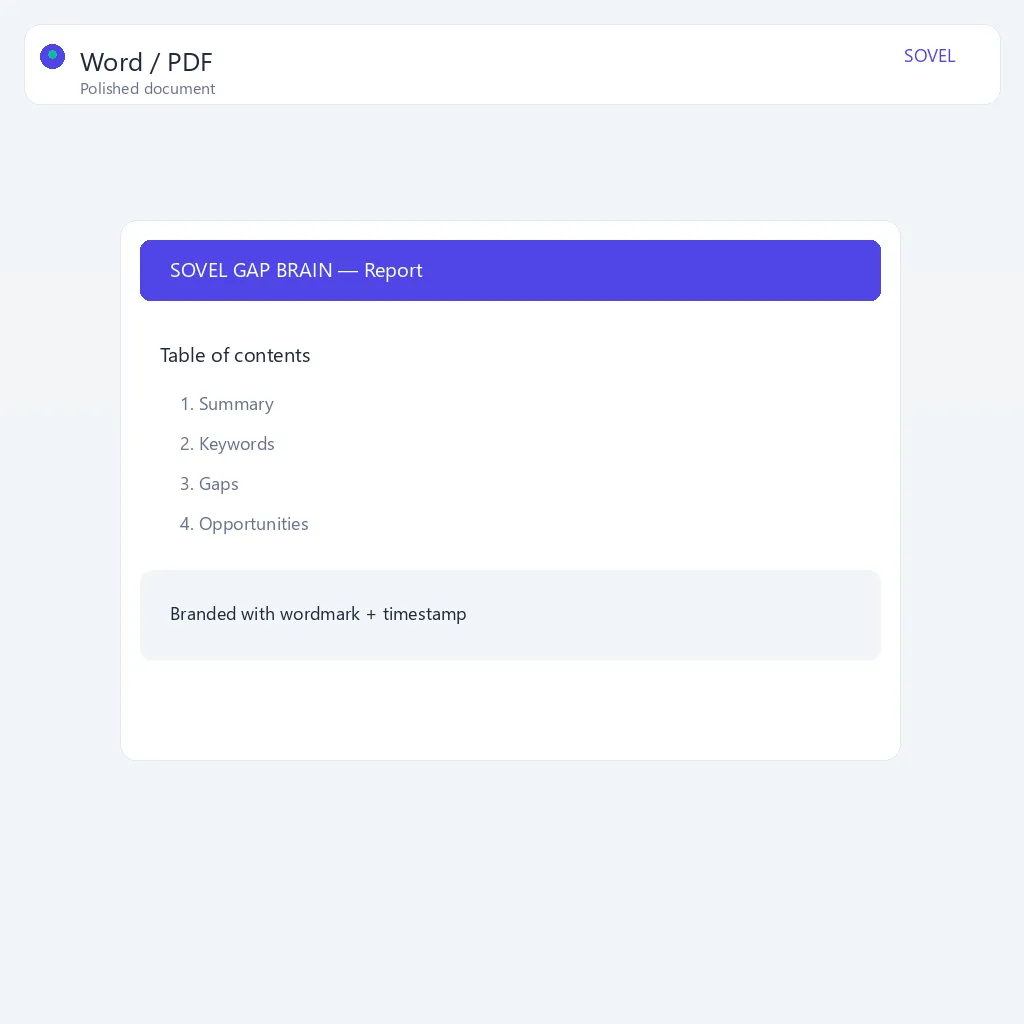
Word is still the default for clients, agencies, and document-centric teams. A Word content gap report export from SOVEL GAP BRAIN produces a polished, table-based document with:
- A branded cover page.
- KPI boxes for the headline numbers.
- Structured tables for keywords, gaps, and opportunities.
- The summary appended as a clean section.
Word is the safest choice when the recipient expects to edit, comment, or add their own notes. It reads naturally in Microsoft Word and most compatible editors.
PDF export: the fixed, professional file
PDF is the share-and-print format. It locks the layout so it looks identical everywhere. A PDF content gap report export from SOVEL GAP BRAIN includes:
- A cover page with a gradient band and the wordmark.
- A KPI deck on the cover.
- Sectioned content with clear tables.
- The full research summary.
PDF is best for final deliverables: sending to a client, attaching to a proposal, or printing for a review meeting. No one can accidentally break the layout.
CSV export: the data layer
CSV is the plain-data format. It strips away design and outputs the keywords, gaps, opportunities, and scores as rows you can filter, pivot, and re-import. Pick a CSV content gap report export when you want to merge results into a spreadsheet or load the data into another tool. It is the least polished but the most machine-friendly of the export options, so it is a natural companion for internal analysis rather than a client-facing deliverable.
How to choose the right format
Use this quick guide:
- Need to present? HTML or PDF.
- Need a writer to use it? Markdown.
- Need a client to edit it? Word.
- Need a fixed record? PDF.
- Need all three? Export all four and let the recipient choose.
Because the SOVEL GAP BRAIN tool produces all four from the same data, you do not have to pick one. Download the formats you need for each audience.
The four formats compared
The table below compares HTML, Markdown, Word, and PDF head to head so you can match a format to the situation:
| Attribute | HTML | Markdown | Word (DOC) | |
|---|---|---|---|---|
| Best for | Interactive web previews | Writers and docs systems | Collaborative editing | Final, fixed deliverables |
| Opens in | Any browser | Any text editor | Microsoft Word and compatible editors | Any PDF reader |
| Editability | Easy to edit as source | Very easy, plain text | Easy, familiar | Not editable by default |
| Visual design | Full, styled layout | Minimal, plain text | Polished tables and cover | Fixed, professional layout |
| Branding | Wordmark and gradient hero | Text-only, no visual brand | Branded cover page | Branded cover page |
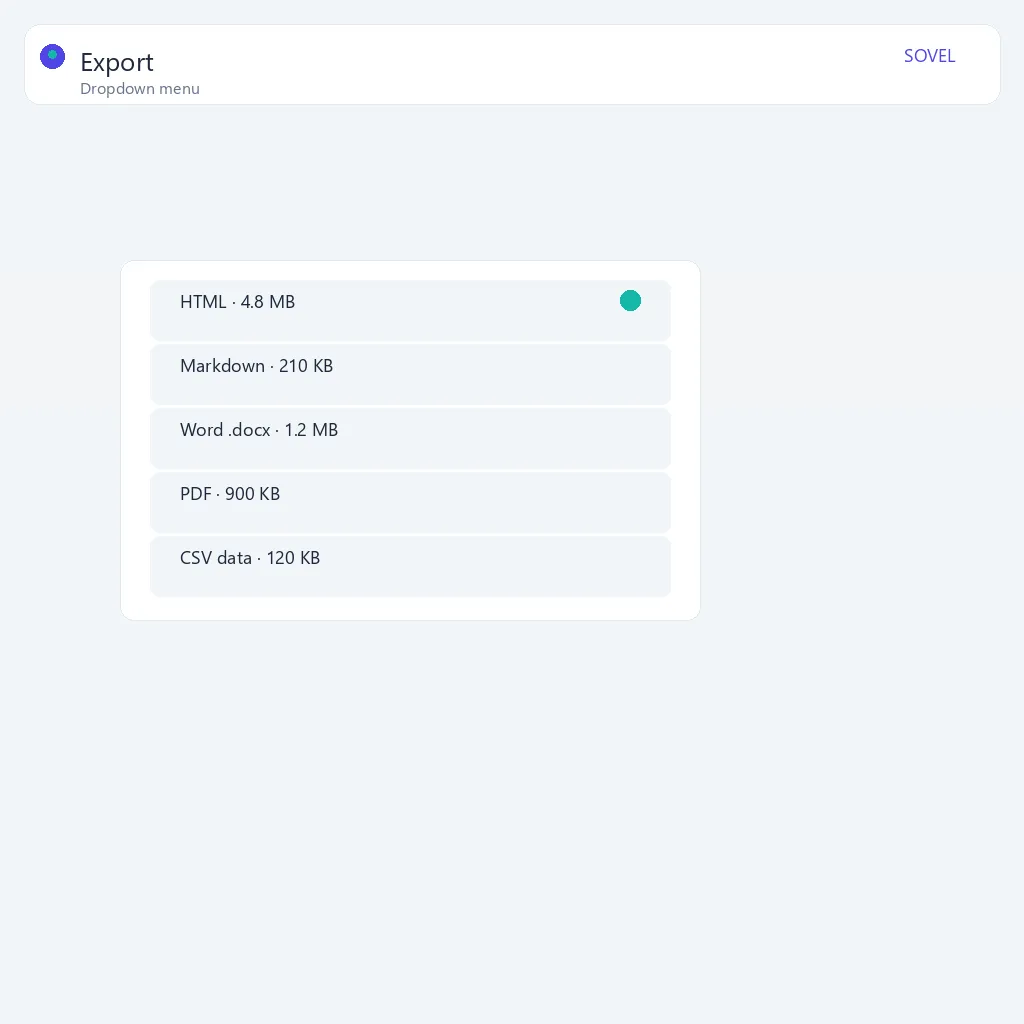
| File size | Small | Smallest | Medium | Can be larger |
| Best workflow fit | Screen share, demo, hosting | CMS paste, git archive, briefs | Client annotation, notes | Printing, proposals, archiving |
Use this table as a quick reference. When you are unsure, ask what the recipient plans to do with the content gap report export: view, edit, or archive. That single question usually settles the format.
Best practices for each format
Each format has a best-practice pattern that gets the most out of it. Following these keeps every content gap report export consistent, useful, and professional.
HTML best practices
- Use it for live, interactive sharing. An HTML content gap report export shines when the recipient will open it in a browser, present it on screen, or embed it on a page. Keep the styled hero and KPI deck intact for that polished first impression.
- Keep it self-contained. A single HTML file that bundles its styles and assets travels cleanly. Avoid splitting the report into many linked files that break when the folder is emailed.
- Prefer it for team review. Because HTML renders in any browser with nothing to install, it is a reliable way to let stakeholders preview the report before a meeting.
Markdown best practices
- Give it to writers first. Markdown is the cleanest content gap report export to hand to a writer, because it becomes a brief they can turn into a draft.
- Archive in version control. Markdown lives naturally in git and docs repositories, so your gap analysis history stays in plain, diffable text.
- Convert rather than reformat. Since Markdown converts cleanly into HTML, Word, and other systems, treat it as the master source when you need to restructure a report later.
Word best practices
- Use it when collaboration is expected. If a client wants to comment, add notes, or leave tracked changes, Word is the right home for that workflow.
- Keep tables structured. The report’s keywords, gaps, and opportunities are table-driven; keep those tables intact so the client can filter and sort the data themselves.
- Send Word alongside PDF. For a client deliverable, pair the fixed PDF with the editable Word file so they can choose how to work.
PDF best practices
- Treat PDF as the official record. Because a PDF locks the layout, it is the safest format for a final deliverable, a proposal attachment, or a printed review pack.
- Check the cover and KPI deck. The cover page and KPI deck are the first things a client sees, so confirm they carry the brand and the headline numbers.
- Use PDF for signatures and approvals. When a report needs to be routed for sign-off, PDF is the format that will hold its appearance for everyone who receives it.
File size and web performance
The size of your export matters more than it might seem, especially when reports are emailed, hosted, or embedded in a CMS. A content gap report export that is too large is slow to open, hard to send, and frustrating on mobile. Choosing the right content gap report export for the channel keeps your files fast and easy to share.
- Markdown is the lightest. It is plain text, so a full report is rarely more than a few dozen kilobytes — the fastest option for email and repos.
- HTML is close behind. Styled HTML is still small, so it loads quickly in a browser. It is a strong choice for any web preview.
- Word sits in the middle. A document with cover art and tables is still modest, but it is bigger than Markdown or HTML.
- PDF can be the heaviest. PDFs with embedded fonts, images, and vector graphics can grow large, so they take longer to open and are harder to email through strict gateways.
What this means in practice:
- Email a large PDF with care. If a PDF export is several megabytes, consider compressing it or sending a link to the HTML preview instead.
- Prefer HTML for web hosting. If you embed the report on a page, HTML is the natural choice because it renders instantly without a download step.
- Keep reports mobile-friendly. A lightweight export opens quickly on a phone, which matters when a client reviews the report away from their desk.
The takeaway: match the file size to the job. Use the smallest format that still meets the recipient’s needs, and reach for PDF only when a fixed, print-ready document is genuinely required.
Brand consistency across exports
Every format should look like it came from the same brand. The SOVEL GAP BRAIN engine stamps three consistent elements into every content gap report export — the wordmark, the source site, and a timestamp. That consistency builds trust and keeps the agency in the picture.
What consistency means per format
- HTML and PDF carry the full visual brand. The gradient hero, wordmark, and cover band all reinforce the identity, so these content gap report export formats are for high-stakes external deliverables.
- Word balances brand and editability. The branded cover page greets the reader, while the editable body lets clients work freely without feeling they are breaking a fixed design.
- Markdown is text-only but still consistent. It cannot show the visual wordmark, but it keeps the same structure, headings, and naming so the content is recognizable across the family.
Keeping consistency across a series of exports
If you export reports regularly, a little discipline keeps every file on-brand:
- Always export from the same analysis. Generating all four formats from the same run guarantees the data, numbers, and summary match across files.
- Check the timestamp on every file. A correct date and time is what makes a report versioned and trustworthy, so confirm it is present before sending.
- Use the same filename conventions. Whether the report is
gap-analysis-seo.htmlorgap-analysis-seo.pdf, a consistent naming scheme makes the set easy to track.
Brand consistency is what separates a professional deliverable from a loose data dump. When every export carries the wordmark, the source, and a timestamp, the recipient always knows where the analysis came from and how current it is.
Branding and timestamps in every export
Every export carries three consistent elements:
- The SOVEL wordmark — the brand stays with the report.
- The source site — so the report is traceable to your analysis.
- A date and time stamp — so the report is versioned and trustworthy.
This matters for agencies shipping client reports: a branded, timestamped deliverable looks professional and keeps your agency in the picture.
Where to generate the exports
You generate all four formats from the same place: the SOVEL GAP BRAIN tool. After any analysis, the download buttons produce the file you select. The free tool includes this export bar with a fair daily limit.
For teams that need many reports without a limit, the full engine is a lifetime purchase that removes the daily cap and keeps producing the same branded exports.
A workflow for report delivery
- Run the analysis in SOVEL GAP BRAIN.
- Export the summary as Markdown for the writer.
- Export the full report as PDF for the client.
- Export Word if the client wants to annotate.
- Keep the HTML as a live, interactive preview.
This covers every stakeholder with one analysis. For external clients, lead with the branded PDF and offer Word for annotation. For internal teams, keep Markdown and HTML so writers can edit and preview freely without touching the client-facing deliverable.
Common export pitfalls
Three mistakes cause most export problems. Sending a large PDF when a small HTML link would do; sending a fixed PDF to someone who needs to edit; and forgetting to verify the timestamp, which makes the report look outdated. Still deciding? The content gap report guide details every trade-off. Match the format to what the recipient will actually do, and confirm the date on every file before it goes out.
File naming and versioning
Name exports consistently so the set is easy to track — for example gap-analysis-<topic>-<date>.pdf. Because every SOVEL export carries a timestamp, you can tell versions apart at a glance and always send the latest file.
Frequently asked questions
What is the best format for a client report?
PDF for the final deliverable, with Word as an editable option if the client wants to comment.
Can I edit a Markdown export?
Yes. Markdown opens in any text editor and is easy to restructure and convert.
Does every export include the brand?
Yes. All four formats include the SOVEL wordmark, the source site, and a timestamp.
What is the free tool’s daily limit?
The free browser tool defaults to five searches per day per device, resetting at midnight.
Can I get all four formats from one analysis?
Yes. The download buttons produce HTML, Markdown, Word, and PDF from the same report.
Does the full engine export the same formats?
Yes, and without the daily limit, since it is a one-time lifetime purchase.
Are the reports editable in Word?
The Word export is a standard document designed to be opened and edited in Microsoft Word and compatible editors.
Which format is smallest in file size?
Markdown is the smallest content gap report export, followed by HTML. Word is medium, and PDF can be the largest. If you are emailing a huge PDF, send the HTML preview instead.
Can I convert one export into another format?
Yes, in most cases. A Markdown content gap report export converts cleanly into HTML and Word, so it works well as a master source when you need to restructure a report.
Does the brand appear in the Markdown export?
Markdown is text-only, so it carries the report structure and headings but not the visual wordmark. The branded cover and gradient hero appear in HTML, Word, and PDF.
What if I need a printable version for a meeting?
Use PDF. It locks the layout so the printed version matches what you see on screen.
How do I know which format my client wants?
Ask what they plan to do with the content gap report export: present (HTML or PDF), edit (Word), or hand to a writer (Markdown). That single question usually settles it.
Checklist for a clean report export
Use this checklist to make sure every content gap report export is polished and on-brand, no matter which format you choose:
- [ ] Export all four formats from the same analysis so the data matches.
- [ ] Confirm the timestamp is present on every file for versioning.
- [ ] Check that the SOVEL wordmark and source site appear where the format supports them.
- [ ] Send PDF as the fixed, official deliverable.
- [ ] Send Word alongside PDF when the client wants to annotate.
- [ ] Hand Markdown to writers or archive it in version control.
- [ ] Use HTML for live, interactive review or web hosting.
- [ ] Keep file sizes reasonable — compress large PDFs or share the HTML link instead.
- [ ] Use consistent filenames across the export set for easy tracking.
- [ ] Verify the report opens cleanly in the target app before sending.
Final word
The content gap report export format you choose should match the audience. Use HTML and PDF for presentation, Markdown for writers, and Word for collaboration. With SOVEL GAP BRAIN you get all four from every analysis — branded, timestamped, and ready to share. Try the free tool and export your first report today.