
A word counter online returns one number, and that number is the least interesting part of the tool. What matters is that different tasks need different counts, and most counters either hide the ones you need or show a figure without telling you how it was calculated. A word count for an essay, a character count for a meta description, a sentence count for readability, and a reading time for a blog post are four separate measurements of the same text.
This article explains what each count means, how the common ones are calculated, where the definitions disagree, and how to choose a counter that answers the question you actually have.
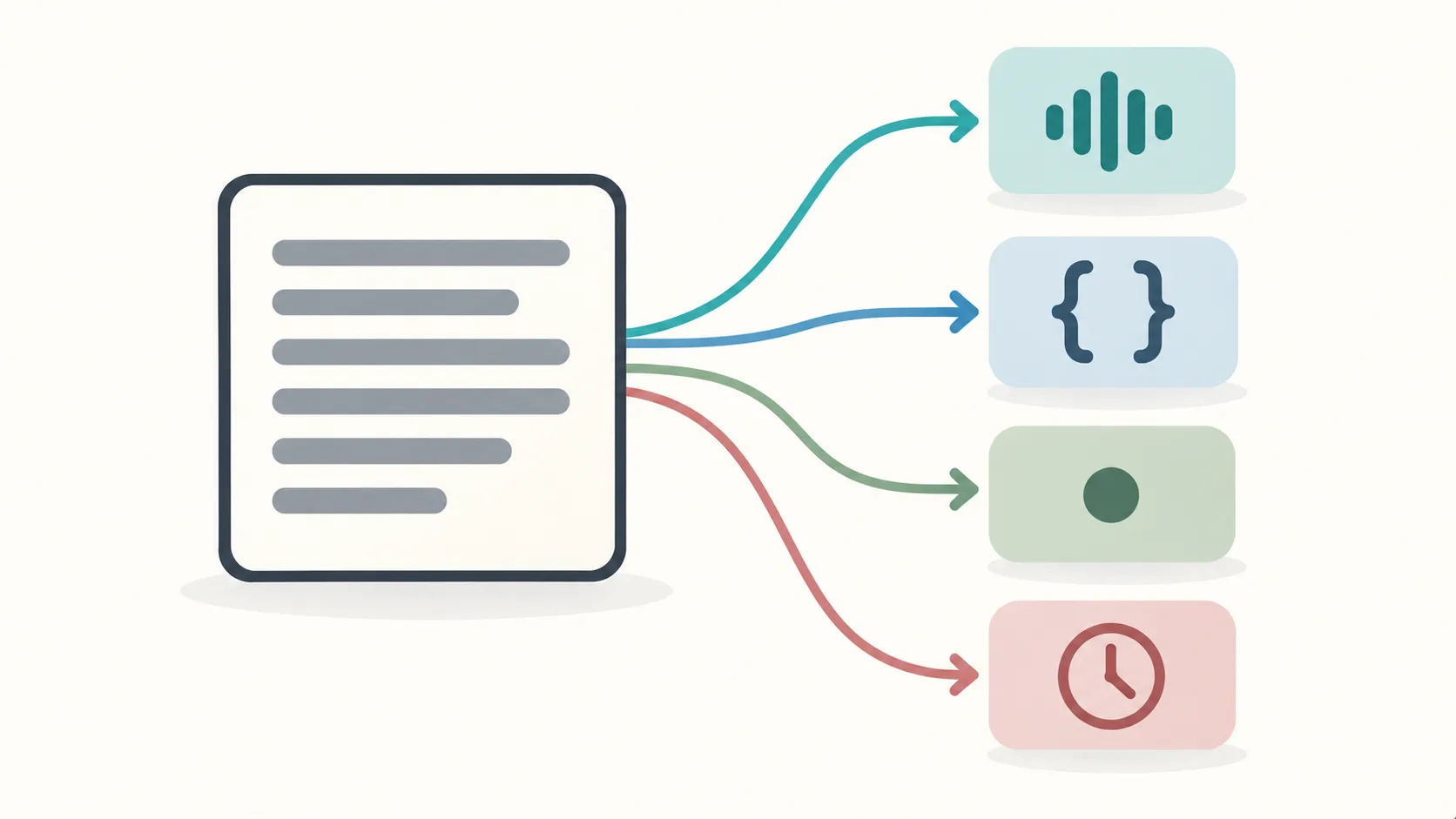
The counts a useful tool reports
A word counter that only reports words is doing a fraction of the job. The four counts below cover almost every real use case.
Word count
Word count is the headline number and the one most people mean. It counts the units separated by spaces. It is the right measure for essay limits, article targets, and translation pricing, which is often quoted per word.
Character count
Character count is the measure that matters for anything with a hard limit: meta descriptions, title tags, social posts, SMS messages, and form fields. It comes in two versions, with and without spaces, and the difference is large enough to matter. A meta description limited to 160 characters can lose a whole clause depending on which version you are counting.
Sentence count
Sentence count is the raw input to readability. Short sentences read easily and long ones do not, and the average sentence length is the fastest way to see whether a piece of writing is dense. A tool that reports sentence count lets you spot the paragraph where you wrote a ninety-word sentence without noticing.
Reading time
Reading time estimates how long the text takes to read, based on an assumed reading speed. It is the count that changes behaviour most, because a reader who sees “four minute read” is more likely to start than one who sees a wall of text with no estimate.
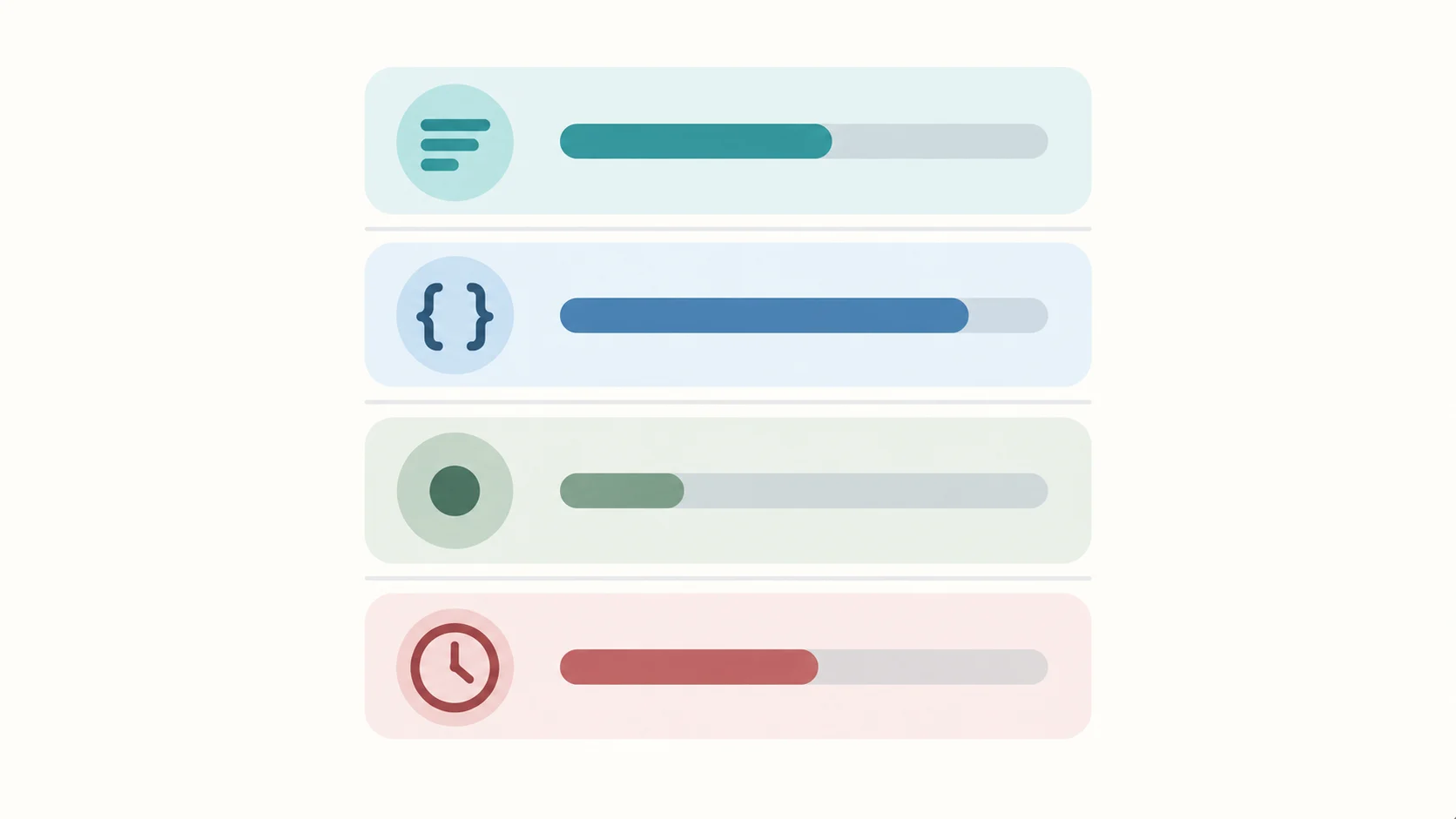
Where the definitions disagree
Two people can count the same document and get different totals without either being wrong, because the definitions are not standardized.
Hyphenated words
“Is a hyphenated phrase one word or two?” is a genuine disagreement. Most counters treat a hyphen as a word separator, so “state-of-the-art” counts as four words. Some treat it as one. Both are defensible, and neither is universal.
Numbers and symbols
“2026” is a number, but most counters treat it as a word because it is a token between spaces. “&” and “@” are symbols that some counters count and others skip. A tool should tell you which rule it applies.
Contractions and possessives
“It’s” and “its” are both single tokens to a space-based counter. This is usually fine, but it matters if you are counting syllables or checking a specific style rule.
Punctuation-attached words
The sentence “Hello,world” without a space counts as one word to a space-based counter, even though it reads as two. This is rare in real text but common in pasted data, which is exactly when a count matters.
The practical takeaway is that a count is only meaningful alongside its rule. A tool that reports a number and states its rule is more useful than one that reports a number in silence.
How the common counts are calculated
Understanding the calculation lets you predict the number and spot a broken tool.
Word count is normally the number of whitespace-separated tokens after trimming leading and trailing space. This is simple, fast, and matches almost every published expectation.
Character count is the length of the string, either including spaces or excluding them. Most tools report both, because both are used. If a tool reports only one, check which before you rely on it for a limit.
Sentence count is harder, because a period does not always end a sentence. “Dr. Smith arrived at 3 p.m.” contains three periods and one sentence. Good counters use rules that account for common abbreviations and decimals rather than counting every period.
Reading time is word count divided by an assumed reading speed, usually expressed in words per minute. The default speed varies between tools, which is why two counters can report different times for the same text.
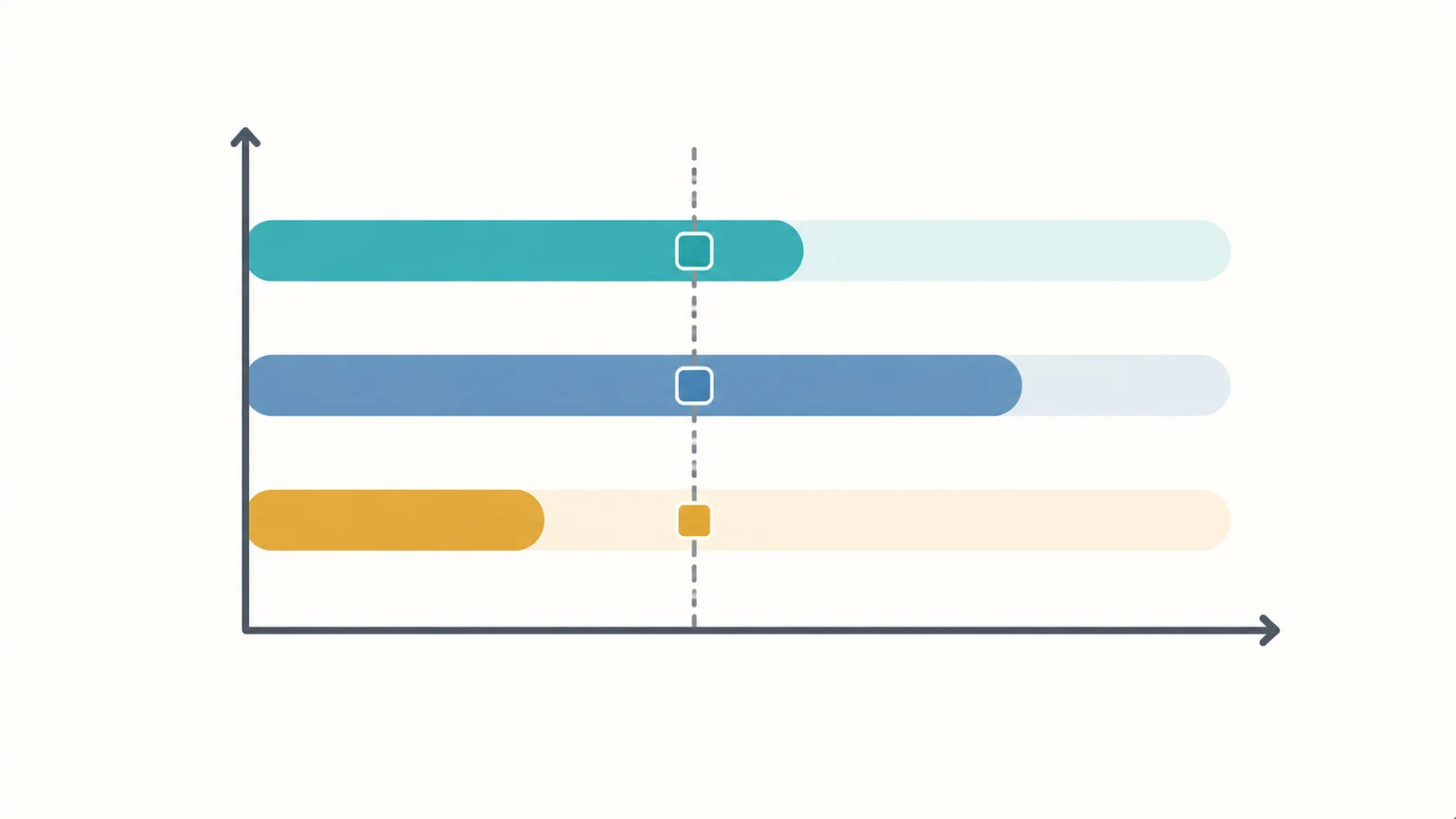
Which count for which task
Matching the count to the task removes most of the guesswork.
For an essay, assignment, or article with a stated limit, use word count, and check whether the limit includes references and headings.
For a meta description, title tag, or social post, use character count, and confirm whether spaces are included.
For editing your own writing, use sentence count and average sentence length, because that is where clarity problems hide.
For a blog post or newsletter, use reading time, because that is what your reader sees and reacts to.
For translation or transcription pricing, use word count, and confirm the rate is per source word or per target word, which can differ by a wide margin.
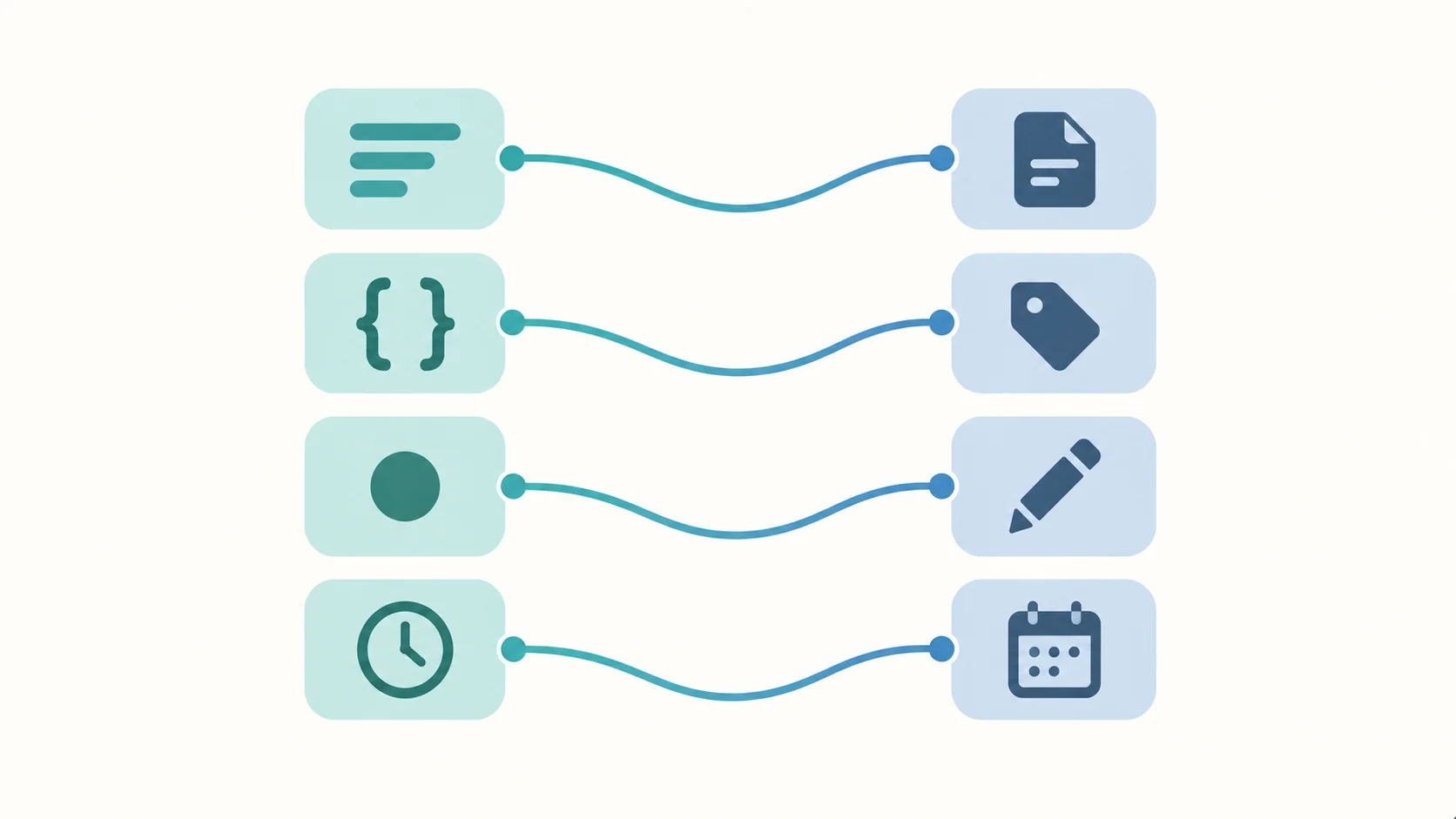
Why privacy matters for a text tool
A word counter is a small tool, which makes it easy to overlook what it does with your text. If the tool uploads your text to a server, then everything you paste, from an unpublished manuscript to a client contract, has left your device.
This is the case where browser-local processing is clearly the right default. Counting words and characters is a string operation that a browser performs instantly and without any network access. There is no technical reason for a counter to upload your text, so a counter that does upload is worth avoiding.
The same reasoning applies to the whole category of text utilities. When a task can be done locally, doing it locally removes a risk at no cost to speed or quality.
What a good counter looks like
A counter worth keeping does five things. It reports words, characters with and without spaces, sentences, and reading time. It states the rules it applies to hyphenated words and numbers. It updates as you type without a noticeable delay. It does not require an account. It processes your text in the browser rather than uploading it.
Why counts differ between tools
If you paste the same text into three counters and get three totals, none of them is necessarily broken. The disagreement comes from a small set of decisions that each tool makes differently.
The first is what counts as a word separator. Most tools split on spaces. Some also split on hyphens, slashes, and em dashes. A text full of hyphenated compounds will produce different totals under the two rules.
The second is how numbers are handled. A space-based counter treats “2026” as a word. A counter with stricter rules may exclude pure numbers, which lowers the total on data-heavy text.
The third is how symbols and standalone punctuation are treated. A counter that counts any non-space token will count “&” as a word; a counter that requires at least one letter will skip it.
The fourth is the treatment of markdown or HTML. Paste text that contains markup and a counter may count the tags as words unless it strips them first. This is common when copying from a web page or a document exported to markup.
The fifth is the treatment of emoji and special characters. Depending on the counter, an emoji may count as one word, several words, or nothing at all.
None of these choices is wrong on its own. The problem is that a tool rarely states which choices it makes, so a number arrives without the rule that produced it. When you compare two counts and they disagree, the useful question is not which number is correct but which rule matches the limit you are working to. For an essay limit, the space-based rule is the one that usually applies. For a translation quote, the definition is often specified in the contract, and you should confirm it before you rely on any counter’s total.
The practical habit is to pick one counter and use it consistently for a given project. Consistency within a project removes the confusion that comes from switching tools mid-way.
Counting words in Word, Google Docs and PDF
Most writers do not start with a counter. They start inside a word processor, and each one counts differently.
Microsoft Word reports a word count in the status bar and a fuller breakdown under the Review tab. Its definition is close to the space-based rule but excludes some elements, and it counts text boxes and headers separately, which is why the total can change when you move content. Word also lets you exclude footnotes and endnotes from the count, a useful option when a limit applies to the body only.
Google Docs reports a word and character count under Tools, with an option to include or exclude footnotes. Its count updates as you type, which makes it a reasonable first measure, but it does not separate characters with and without spaces in the same view, so it is less useful for a hard character limit.
A PDF is the awkward case. A PDF has no reliable word count of its own, because it stores positioned fragments rather than flowing text. A reader’s word count depends on how the text is extracted, and copying from a PDF often brings the stray line breaks discussed in the cleaning article. When you need an accurate count from a PDF, extract the text first, clean it, then count. Counting directly inside a PDF viewer gives a number you cannot fully trust.
The practical sequence for any document with a limit is the same: get the text into plain form, clean it, then count with a tool whose rule you know. Counting before cleaning produces a total that includes artifacts, and counting inside a PDF produces a total you cannot verify.
Frequently Asked Questions
What is the difference between word count and character count?
Word count counts whitespace-separated tokens, which is the measure used for essay limits and translation pricing. Character count measures the length of the text, which is the measure used for anything with a hard character limit, such as meta descriptions and social posts.
Does character count include spaces?
It depends on the tool, and the difference is significant. A 160-character limit can lose a whole clause depending on whether spaces are counted. A useful counter reports both figures so you can apply the right one.
How is reading time calculated?
Reading time is word count divided by an assumed reading speed, usually expressed in words per minute. Because the assumed speed varies between tools, two counters can report different times for identical text. The assumption, not the word count, is what changes the result.
Is a hyphenated word one word or two?
Most counters treat a hyphen as a separator, so a hyphenated phrase counts as multiple words. Some treat it as one word. Both conventions exist, and a tool should state which one it applies so the count can be interpreted.
Do word counters upload my text?
Some do and some do not, and it is not always obvious. Counting is a string operation a browser can perform locally, so a counter that uploads your text is doing so by choice. Browser-local counters keep your text on your device.
Can I count words without creating an account?
Yes, and you should be able to. A basic text utility that demands an email address before counting words is adding friction without adding value. Zero-login access is a reasonable expectation for this category.
Where to Read Next
This article is part of a five-article cluster about browser-local text and document utilities. The entry point covers why browser-local document and text tools beat uploading your files. The formatting piece covers the case converter online and when each case is correct. The cleaning piece covers how to remove line breaks online. The conversion piece covers what a document converter online can and cannot do in a browser.
The SOVEL Software family page lists every free utility in the tools group.
Word count: 2,042