
A case converter online does one mechanical job: it changes the case of letters in a block of text. The mechanical part is easy, and any converter handles it. The useful part is knowing which case a given piece of text should use, because the answer changes with the context, and the rules are not the same everywhere.
Title case is not the same as capitalizing every word. Sentence case is not the same as lowercasing everything. Each style has a purpose, and using the wrong one in the wrong place makes a headline, heading, or label look unconsidered. This article covers the styles a converter should support, the rule behind each one, and the edge cases where the rules collide.

The five cases a converter should support
A converter that offers only upper and lower case covers a fraction of the real need. These five styles cover almost every use.
Upper case
Upper case converts every letter to a capital. It is used for acronyms, some legal clauses, and short emphasis. It is also the hardest case to read in bulk, which is why long passages in upper case are a mistake. Upper case is a tool for short labels, not paragraphs.
Lower case
Lower case converts every letter to a small form. It is used for normalizing data, cleaning text that arrived in mixed case, and fixing text typed with caps lock on. It is also the base from which sentence case and title case are built.
Title case
Title case capitalizes the significant words in a heading and leaves the small ones in lower case. It is the standard for many publication styles, book titles, and some website headings. The rule is not “capitalize every word”, and getting it wrong is visible to anyone who knows the convention.
Sentence case
Sentence case capitalizes only the first word and any proper nouns, like a normal sentence. It is the standard for most modern web headings, many news styles, and interface labels. It reads more naturally than title case in long headings, which is why it has become the default on many large sites.
Capitalized case
Capitalized case capitalizes the first letter of every word without regard to significance. It is used for some marketing labels and legacy styles. It is the case that most people mean when they say “title case” informally, even though the two are different.

The rule behind title case
Title case is where most converters get things wrong, because the rule is about word type, not word position.
The convention most style guides share is this: capitalize the first and last word, and capitalize all words except articles, short coordinating conjunctions, and short prepositions. The articles are a, an, and the. The coordinating conjunctions are and, but, or, nor, for, so, and yet. The prepositions are the short ones such as of, in, on, at, to, by, and for.
A few refinements matter in practice. Capitalize a preposition if it is part of a phrasal verb, such as “Turn Off”. Capitalize the second part of a hyphenated compound if it is a significant word. Capitalize a word that follows a colon if it begins a complete sentence. And always capitalize the last word regardless of its type.
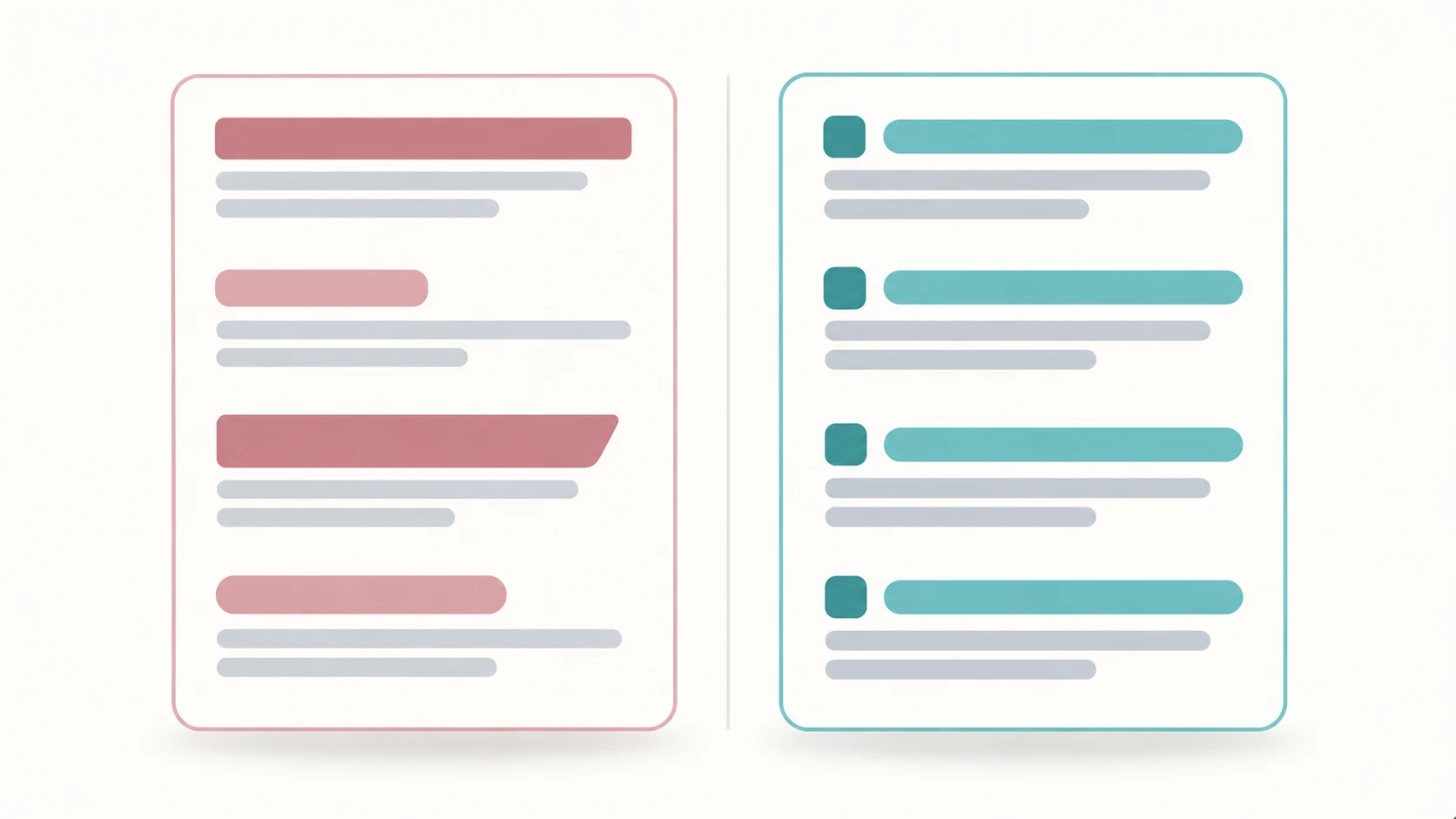
Applying the rule to a heading shows the difference. A converter that capitalizes every word produces “How To Build A Website”. The title case rule produces “How to Build a Website”. The second is correct under the common conventions, and the difference is the small words.

Why sentence case has become the default
Sentence case is not a downgrade from title case. It is a deliberate choice that has spread for three reasons.
The first is readability. In a long heading, capitals break the reader’s scanning rhythm. Sentence case keeps the line smooth and lets the words do the work.
The second is consistency with body text. A sentence-case heading looks like the writing around it, which makes a page feel unified.
The third is reduced error. Title case requires a judgement call on every word, and judgement calls introduce mistakes. Sentence case requires one decision at the start of the heading.
The practical rule many teams adopt is to pick one style for a given context and apply it everywhere. Mixed casing across a site looks accidental even when each individual choice was defensible.
The edge cases that break naive converters
A converter that only looks at spaces will fail on the cases below. Knowing them helps you spot a weak tool.
Acronyms and initialisms
A title case converter should not lowercase the internal letters of an acronym. “SEO” should stay “SEO”, not become “Seo”. A converter without an acronym list will break these.
Proper nouns
A converter cannot know that “WordPress” has a capital P or that “iPhone” has a lowercase i unless it carries a dictionary or a user override. This is a limit of automation, not a bug, and it is worth knowing so you do not ship a broken name.
Hyphenated compounds
Whether to capitalize the second part of a hyphenated word depends on the parts. A converter that always capitalizes both or always lowercases both will be wrong some of the time.
Words after a colon
Whether to capitalize after a colon depends on whether a complete sentence follows. This requires parsing, not just word matching.
Non-English text
Case rules are language-specific. A converter tuned for English will mis-handle languages with different conventions.
The honest position is that case conversion is a mechanical aid, not a proofreading substitute. A converter gets you most of the way and a human check finishes the job.
When to use each case in practice
A short mapping removes most of the doubt.
Use upper case for acronyms and very short emphasis labels. Use lower case for data normalization. Use title case for book titles, some publication headlines, and headings under styles that require it. Use sentence case for web headings, interface labels, and most modern content. Use capitalized case only where a legacy style demands it.
Match the case to the medium and the style guide, and apply it consistently. That single habit prevents the most common casing mistakes.
The most common casing mistakes
Most casing errors fall into a small number of patterns, and knowing them makes proofreading faster.
The first is capitalizing small words in a title. “The Art Of The Deal” capitalizes two articles that should stay lower case. Under the common conventions it reads as “The Art of the Deal”. The mistake comes from applying capitalized case when title case was intended.
The second is lowercasing a proper noun. An automated converter will turn “WordPress” into “WordPress” and “YouTube” into “Youtube”, because it cannot know that the internal capital is part of the name. These errors are invisible to a spell checker, which is why they survive to publication.
The third is breaking an acronym. “SEO” becomes “Seo”, “API” becomes “Api”. Any converter without an acronym list will do this, and the result looks amateurish to the audience that knows the term.
The fourth is inconsistent casing across a page. A site that uses sentence case in one heading and title case in the next looks unplanned, even though each heading may be defensible on its own. Consistency is a stronger signal of care than any single correct choice.
The fifth is shouting in upper case. A paragraph set in all capitals is hard to read and reads as aggressive. Upper case belongs in short labels and acronyms, not in sentences.
The sixth is a heading that mixes cases within itself, such as “How To Build a Website That Works For You”, which starts in capitalized case and drifts. This usually happens when a writer edits part of a heading and does not re-apply the style.
The fix for all six is the same: apply one case rule to the whole piece, then read the proper nouns and acronyms by hand, because automation cannot know them.
Converting case in bulk
Case conversion becomes more useful when it runs over a large set of text rather than a single heading.
The common bulk task is normalizing a list. A column of names, product codes, or email addresses pasted from different sources will arrive in mixed case. Converting the whole list to a single case, then re-capitalizing only the parts that need it, is faster and more consistent than editing each line.
A second task is preparing data for comparison. Two lists that should match will fail to match if one uses title case and the other uses upper case. Converting both to the same case before comparing removes that class of false mismatch. This is a routine step in deduplicating a contact list or reconciling two exports.
A third task is reformatting content after a style change. When a site switches from title case to sentence case, every existing heading has to change. Doing this by hand across hundreds of pages is impractical, so a converter does the mechanical part and a review catches the proper nouns.
A fourth task is cleaning text that arrived in all capitals. Some systems export data in upper case by default, and a lower-case conversion followed by sentence-case conversion restores normal reading case. This is common with data from older databases and point-of-sale systems.
Two cautions apply to all bulk work. First, convert a sample and check it before running the operation on the full set, because a wrong rule applied to a thousand rows is a thousand errors. Second, always keep the original, because case conversion is not reversible when the original casing carried information, such as an acronym that looks like a word.
Frequently Asked Questions
What is the difference between title case and capitalized case?
Title case capitalizes the significant words and leaves articles, short conjunctions, and short prepositions in lower case. Capitalized case capitalizes the first letter of every word without regard to word type. People often say “title case” when they mean capitalized case, but the two produce different results.
Does a case converter handle acronyms correctly?
A basic converter will lowercase the internal letters of an acronym, turning “SEO” into “Seo”. Handling acronyms correctly requires a dictionary or a user override. Treat any automated conversion as a first pass and check proper nouns and acronyms by hand.
Should headings use title case or sentence case?
Both are valid, and the choice depends on the style guide. Sentence case has become the default on many large sites because it reads smoothly and is easier to apply consistently. Title case remains standard for book titles and some publication styles. The key is to pick one and apply it everywhere.
Can a case converter fix my text automatically?
It can fix the mechanical letter case, but it cannot reliably fix proper nouns, acronyms, and language-specific rules. Use it to do the bulk of the work, then proofread the names and abbreviations that automation cannot know.
Is a case converter safe to use with my text?
It depends on whether the tool runs in your browser or on a server. Changing letter case is a string operation a browser performs locally, so a converter that uploads your text is doing so by choice. A browser-local converter keeps the text on your device.
Which words are not capitalized in title case?
Articles (a, an, the), short coordinating conjunctions (and, but, or, nor, for, so, yet), and short prepositions (of, in, on, at, to, by, for) are normally left in lower case, except when they are the first or last word of the heading.
Where to Read Next
This article is part of a five-article cluster about browser-local text and document utilities. The entry point covers why browser-local document and text tools beat uploading your files. The counting piece covers what a word counter online should actually count. The cleaning piece covers how to remove line breaks online. The conversion piece covers what a document converter online can and cannot do in a browser.
The SOVEL Software family page lists every free utility in the tools group.
Word count: 2,038