
—
Human in the loop automation means building a workflow where a person reviews a decision before it takes effect. The automation does the work. The person keeps the judgement.
The phrase sounds cautious, and it is. That is the point. Automation is excellent at repetition and terrible at context, which is the whole argument for human in the loop automation. It will process ten thousand rows with perfect consistency and still send an apology email to the wrong customer because the record said so.

This article covers six guardrails that make human in the loop automation work in practice. Each one answers a specific failure, and each can be added to an existing workflow without rebuilding it.
Why loops fail in one of two directions
Every human in the loop automation design fails in one of two ways, and both are avoidable with the same six decisions, and they pull against each other.
Too little human review. The automation runs unchecked. Errors compound silently until someone notices a pattern in the complaints. By then the damage is spread across weeks.
Too much human review. Every step needs approval. The person becomes a bottleneck, the queue grows, and people start approving without reading, which is worse than no review because it creates a false record of oversight.
The six guardrails below aim at the middle, and together they are what makes human in the loop automation sustainable at scale. Enough review to catch the failures that matter, and little enough that the workflow still moves.
Guardrail 1: Approve the costly step, not every step
The first design decision in any human in the loop automation project is where to place the human.
A common mistake in human in the loop automation is to require approval at every stage. That is exhausting and it trains people to click through.
A better approach is to identify the two or three steps where a mistake is expensive or irreversible. Those get a human. Everything else runs.
What counts as expensive? Four tests decide where human in the loop automation earns its cost.
Can it be undone? A draft email can be deleted. A sent email cannot. The sent one needs review.
Does it touch money? Invoices, refunds, and pricing changes get review. Internal notes do not.
Does it reach a customer? Anything a customer will see deserves a look until the workflow has proven itself.
Does it create a record someone will rely on later? A logged decision that a future audit will trust needs a person behind it.
Any step that fails two of those four tests is a candidate for review. Everything else is a candidate for automation without review.

Guardrail 2: Make the review decision visible, not buried
A human review that requires opening three systems is a review that will not happen, and this is the most common way human in the loop automation quietly stops looping.
The reviewer needs the decision, the evidence, and the consequence in one place. That means three things on screen together.
What the automation wants to do. Send this email. Apply this discount. Publish this article.
Why it decided that. The specific inputs that drove the choice. Not a confidence score, which people cannot interpret, but the actual data.
What happens if approved. Who receives it, what it costs, and what cannot be undone.
When those three sit together, review takes seconds. When they are scattered, review takes minutes, and minutes per item means the queue wins.
There is a second benefit. A visible decision trail is also your audit trail. When something goes wrong, you can see exactly what the reviewer saw, which is the difference between learning from an error and arguing about it.
Guardrail 3: Set an escalation path before you need it
Every workflow eventually hits a case it was not designed for, which is why human in the loop automation needs an exit as well as a pause. The question is whether that case goes somewhere useful or stalls.
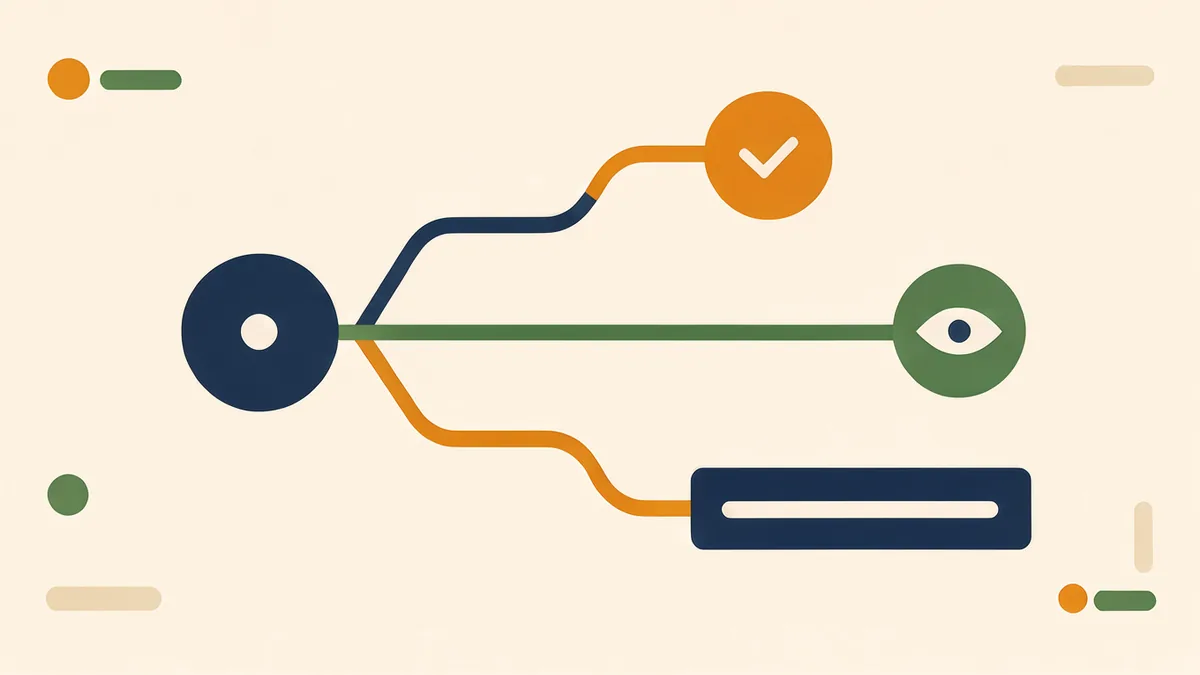
Define three routes in advance.
Auto approve. Cases that match the routine pattern and clear every check. These pass without a human, and that is correct.
Review. Cases that are unusual but not risky. A person looks and decides.
Block and escalate. Cases that are outside the workflow’s competence. A refund above a threshold. A customer flagged as high value. Anything the automation cannot classify with confidence.
The third route is the one people forget. Without it, unusual cases get forced into one of the first two, which means either an automatic mistake or a stuck item nobody owns.
Name an owner for escalations. Without one, human in the loop automation produces blocked items nobody claims. An escalation path with no owner is a folder nobody opens.
Guardrail 4: Log decisions in a form a person can read
Automation produces logs by default, and unreadable logs are the silent failure of human in the loop automation. Google’s guidance on how search works is a useful reminder that any system reading your output needs text it can interpret, not just data it can store. Most of them are unreadable.
A useful decision log answers four questions in plain language.
What was decided? In one sentence, without jargon.
What inputs were used? The specific values, with timestamps.
Who or what made the decision? The automation, or a named person.
What was the outcome? Sent, approved, rejected, or escalated.
This log serves three purposes. It makes review faster, because the reviewer is not reconstructing context. It makes improvement possible, because patterns of rejection show where the workflow is miscalibrated. And it makes accountability clear, which matters the moment a customer or an auditor asks.
The log costs very little to build and it repays the effort the first time something goes wrong.
Guardrail 5: Measure the loop, not just the output
A workflow with human review has two outputs, and this is the measurement most human in the loop automation projects skip: the work produced, and the quality of the review itself.
Most teams measure only the first. That leaves the second invisible, which means a review that has quietly become a rubber stamp looks identical to a review that is working.
Four numbers make the review visible, and they are the minimum measurement any human in the loop automation needs.
Approval rate. If nearly everything is approved, the review is not doing anything. If almost nothing is, the automation is poorly calibrated.
Time per review. Rising time per item suggests the decisions have become unclear, or the reviewer is losing context.
Rejection reasons. Group them. Three rejection reasons covering most cases tell you exactly what to fix.
Escalation volume. A rising count means the workflow is meeting cases it cannot handle, which is useful information rather than a failure.
Review those four numbers monthly. A loop that is not measured slowly stops being a loop.
Guardrail 6: Design the handoff, not just the check
The last guardrail is the one that separates a working system from a bottleneck, and it is the most neglected part of human in the loop automation.
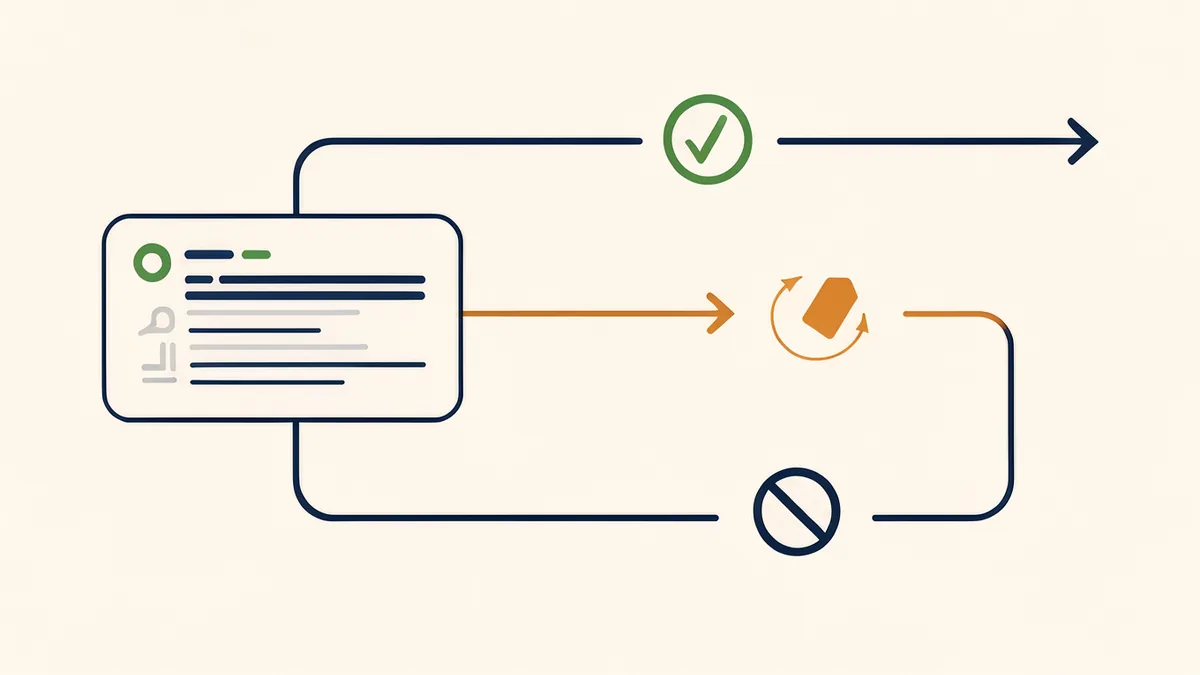
When a person reviews, they need to do something with the result. Approve, correct, or reject. Each of those must lead somewhere defined.
Approved items continue. Rejected items do not simply vanish. They return with the reason attached, so the automation and the people who maintain it can learn.
Corrected items are the most valuable of all. A correction is a person showing the system the right answer. If corrections are discarded, the same mistake recurs forever. If they are captured, they become the raw material for improvement.
The simplest version of this is a rule. Any correction must be tagged with a reason, and those reasons get reviewed monthly. That single habit turns a review step into a source of improvement rather than a cost centre.
A worked example with numbers
Abstract guardrails become clear with an example. Take an invoice approval workflow handling five hundred invoices a month.
Before the loop. Every invoice is approved by one person. Two hundred and forty hours a month of review, most of it on invoices identical to last month’s. Errors still slip through because the reviewer is tired by invoice four hundred.
Automation without review. Invoices are processed automatically. Speed looks excellent for three weeks. Then a duplicate payment and a wrong vendor code appear in the same week, and nobody can trace how.
Human in the loop automation, designed.
The irreversible step is payment, not approval. Everything before it can be reversed, so only payment gets a human.
The review screen shows the invoice, the matched purchase order, and the amount leaving the account. Three facts, one glance.
Auto approve handles invoices that match a purchase order within two percent and are below a set value. That covers most of the volume.
Review handles mismatches and unusual vendors. Block and escalate handles anything above a threshold or flagged by a customer dispute.
The log records what was paid, on what evidence, by whom.
Measurement begins. Approval rate, time per review, rejection reasons, escalations. Within one month, rejection reasons show that most mismatches come from a single supplier using an outdated template. That gets fixed at the source, and review volume drops.
The same five hundred invoices now consume perhaps twenty hours of review a month instead of two hundred and forty. The remaining review sits exactly where a mistake would hurt.
That is what the guardrails are for. The automation is not trusted more. It is trusted precisely, which is a different and better thing.
The culture question nobody mentions
The six guardrails are technical, and they only hold if the culture supports them.
Three habits make the difference.
Reviewers must be able to reject without justifying it repeatedly. If every rejection needs a written defence, people will approve to avoid the conversation.
Corrections must be treated as data rather than complaints. A person who notices a systematic error is doing valuable work, and the workflow should make that easy.
Nobody should be punished for an error the automation caused. If a reviewer approves a bad case because the screen hid a critical fact, the fault is in the screen. Blaming the reviewer guarantees the next review is even more superficial.
When those three habits are absent, the guardrails become decoration. The review still exists on paper while everyone clicks approve.
How to know you have gone too far
The opposite failure deserves equal attention, because over-reviewing feels responsible and quietly kills throughput.
Three signals indicate too much review.
The queue grows faster than it clears. If the backlog trends upward for three consecutive weeks, review is the constraint rather than volume.
Reviewers approve in under two seconds on most items. That speed is only reasonable for genuinely trivial decisions. On anything else it means nobody is reading.
Review exists on steps that are reversible and cheap. If a mistake can be undone with one click, a human approval adds delay and no safety.
The correction is to move review, not remove it. Find the implicitly reversible steps and let them run. Keep the human where a mistake cannot be undone.
That is the whole discipline. Human in the loop automation is not about reviewing more. It is about reviewing the right things and letting everything else move.

One piece of outside evidence, because a guide that only quotes itself is not worth much. This review is on the public Trustpilot page for sovel.pro.
> “156 Optical Leads in 3 Minutes and 45 Seconds: 63 of My First 72 Contacts Placed Orders”
>
> Krazy Khan, optical frames supplier, Annamayya district, Andhra Pradesh. Rated 5 out of 5 stars.
The numbers are specific. The run produced 156 business leads with public phone, email and social contacts. From the first batch of 56 shops, 49 placed confirmed orders. Across 72 businesses contacted, 63 placed orders, three at Rs 50,000 to Rs 1,20,000 each.
The reviewer is careful about one thing, and it should be repeated here. The software did not generate sales. He made the calls, visited the shops, presented the frames, and followed up. The tool did the discovery and research quickly. He did the selling.
That is the honest version of what any tool can do. It is also the version worth trusting.
“156 Optical Leads in 3 Minutes and 45 Seconds: 63 of My First 72 Contacts Placed Orders”
Krazy Khan, optical supplier, Annamayya district, Andhra Pradesh
Where human in the loop automation fits badly
Not every workflow suits this design, and knowing when human in the loop automation does not fit saves months of work. That judgement is part of the design, not an exception to it. Three cases where it struggles.
Very high volume with trivial decisions. If a decision is genuinely binary and cheap to reverse, adding a human adds cost without adding safety.
Real time systems. If the decision must happen in milliseconds, a human cannot be in the loop. The right design there is a rule plus a review of the rules, not a review of each decision.
Situations with no clear owner. Human in the loop automation requires a person who is accountable. If nobody owns the outcome, the review will drift toward approval, because approval is easier than deciding.
Recognising those cases saves you from building a loop that only adds delay.
A short implementation order
If you are adding these guardrails to an existing workflow, do it in this order. It is the fastest route from ad hoc approval to working human in the loop automation.
1. Mark the steps that cannot be undone. That tells you where review belongs.
2. Build the three part review screen: decision, evidence, consequence.
3. Define the three escalation routes and name an owner for each.
4. Add the plain language decision log.
5. Start measuring approval rate, time per review, rejection reasons, and escalations.
6. Capture correction reasons and review them monthly.
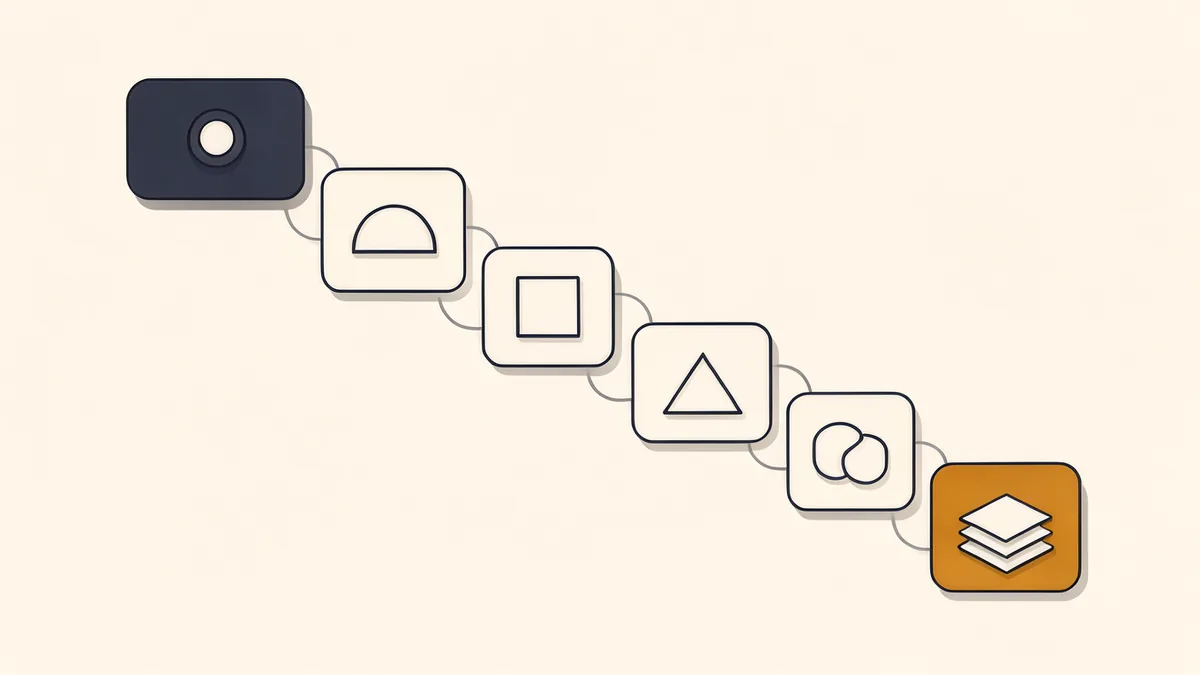
The order matters.The order matters, and it mirrors how human in the loop automation should be reviewed itself.
Measuring before the review screen is built produces numbers you cannot interpret. Building escalations before you know which steps are irreversible produces routes that never fire.
Where to go next
If you are designing the automation itself rather than the review step, the same principles shape human in the loop automation from the start. the guide on AI automation for small business covers the workflow side.
AI automation for small business
For the opposite case, where two automated agents pass work between each other, the guide on dual agent architecture for AI workflows explains why a single prompt often fails.
Common questions
What does human in the loop automation mean?
It means an automated workflow pauses at defined points so a person can confirm or correct a decision before it takes effect. The automation handles volume, the person handles judgement.
Is human in the loop automation the same as manual approval?
No. Manual approval means a person does the work. Human in the loop means a person reviews work already done, which is faster because the review is cheaper than the task.
How many approval steps should a workflow have?
As few as possible. One or two review points placed at irreversible or expensive steps usually beats a chain of approvals, because long chains train people to click through without reading.
What should a reviewer see on screen?
Three things together: what the automation wants to do, why it decided that, and what happens if approved. When those are separated across systems, review takes minutes and gets skipped.
How do I know if the review is actually working?
Approval rate is the clearest signal. If nearly everything is approved, the review has become a formality. Rising time per review and repeated rejection reasons point to the same conclusion.
Can human in the loop automation work without a technical team?
Yes, for many business workflows. The design decisions are about where to place review and what to show a reviewer, which are process questions rather than code questions.
The short version
Human in the loop automation works when the human is placed deliberately. Approve the costly step rather than every step. Make the decision visible. Define escalation before you need it. Keep a readable log. Measure the loop itself. Design the handoff so corrections become improvements.
Do those six things and the loop stays useful as volume grows. Skip them and the review either blocks everything or quietly stops happening.