
Most PDF flipbook plugins sell the same three features: a 3D page curl, a zoom button, and a fullscreen mode. Those features solve the first problem, which is making a PDF look like a book. They do nothing about the second problem, which is that most readers close the book around page 12.
A PDF flipbook plugin WordPress site actually needs is one that treats reading as the product, not the page curl. The page curl is the easy part. Reaching page 40 is a design problem, and it has specific answers.
This article covers the 10 features that make a measurable difference to whether a reader finishes, with the real numbers attached to each one.
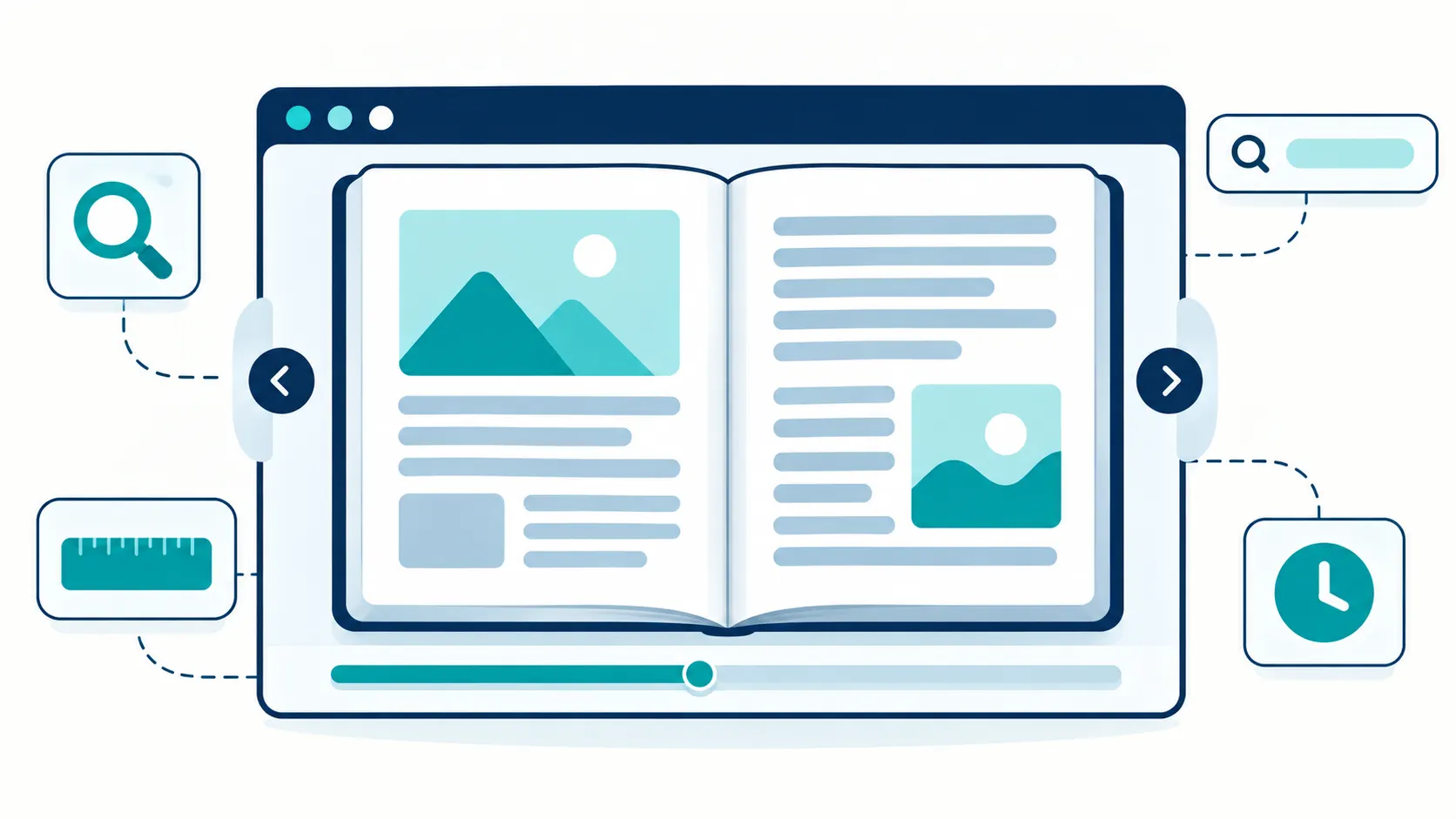
Why Page-Flip Design Is the Easy Part
Every flipbook plugin on the market flips pages. The physics are not the differentiator, because the physics have been solved for years. Turn.js handles the page-turn motion, PDF.js handles the rendering, and both are mature open-source libraries that any competent developer can wire together.
The differentiator is what happens after the flip. A reader who opens your book has a small set of needs: find a specific passage, remember where they were, read without eye strain, and not lose their place when the phone rings. A plugin that answers those needs keeps the reader. A plugin that only flips pages loses them.
So the useful question when comparing plugins is not “how good is the flip” but “what happens between page 1 and page 40”. The 10 features below answer that question.
The 10 Features That Keep Readers Reading
1. A magnifying lens that works on a touch screen
The plugin ships a 200 pixel magnifying lens at 2.5x magnification. A reader taps a spot and the area under the tap enlarges. This matters because PDF text is often set for print, not for a phone screen, and a reader who cannot read the type will not finish the page.
The specific numbers matter here. A 200 px lens at 2.5x is large enough to read a paragraph and strong enough to read small type. A weaker lens or a smaller area leaves the reader squinting, and a reader who squints closes the book.
2. A focus ruler for line tracking
The focus ruler is 88 pixels tall at 2.2x magnification, and it is designed for a specific reader problem: losing your place between lines. A reader following a long line of text on a wide screen loses the line, re-reads it, loses it again. The ruler highlights one band of text at a time and dims the rest.
This is the feature that most flipbook plugins do not have, and it is the one that dyslexic readers notice first. It is also useful for anyone reading a dense document on a phone.
3. Search that shows context, not just a page number
The search function returns up to 20 results and shows 40 characters before each match and 80 characters after. That context window is the difference between a useful search and a frustrating one. A result that says “page 47” tells the reader nothing. A result that shows the sentence around the match lets the reader decide whether page 47 is the right page.
The search debounces at 300 milliseconds, which means it waits for the reader to stop typing before it runs, rather than firing a query on every keystroke.
4. A memory window that keeps nearby pages ready
The plugin renders at 1.5x scale and keeps a 7-page memory window: three pages before the current page and three pages after. That window is why the next page appears instantly when the reader turns, rather than loading for a second.
The 7-page window is a deliberate trade. A larger window would use more memory on a low-end phone; a smaller window would let the reader outrun the preload on a fast read. Seven pages covers a normal reading pace with margin.
5. A reading timer that tells the truth about length
The reading timer estimates reading time at 250 words per minute, with a default of 300 words per page. At the top of the book, the reader sees how long the document will take.
This sounds like a small feature. In practice it changes reader behaviour, because a reader who knows a document is a 12-minute read is far more likely to start it than a reader who does not know whether it is 12 minutes or two hours.
6. Autoplay for presentations and previews
Autoplay advances a page every 115 seconds. That is a presentation tool as much as a reading tool: a trade-show screen, a shop window display, a landing-page preview can all run the book without anyone touching it.
The 115-second interval is calibrated for a page of normal density. A shorter interval rushes a reader; a longer one makes the display look frozen.
7. A documented browser matrix
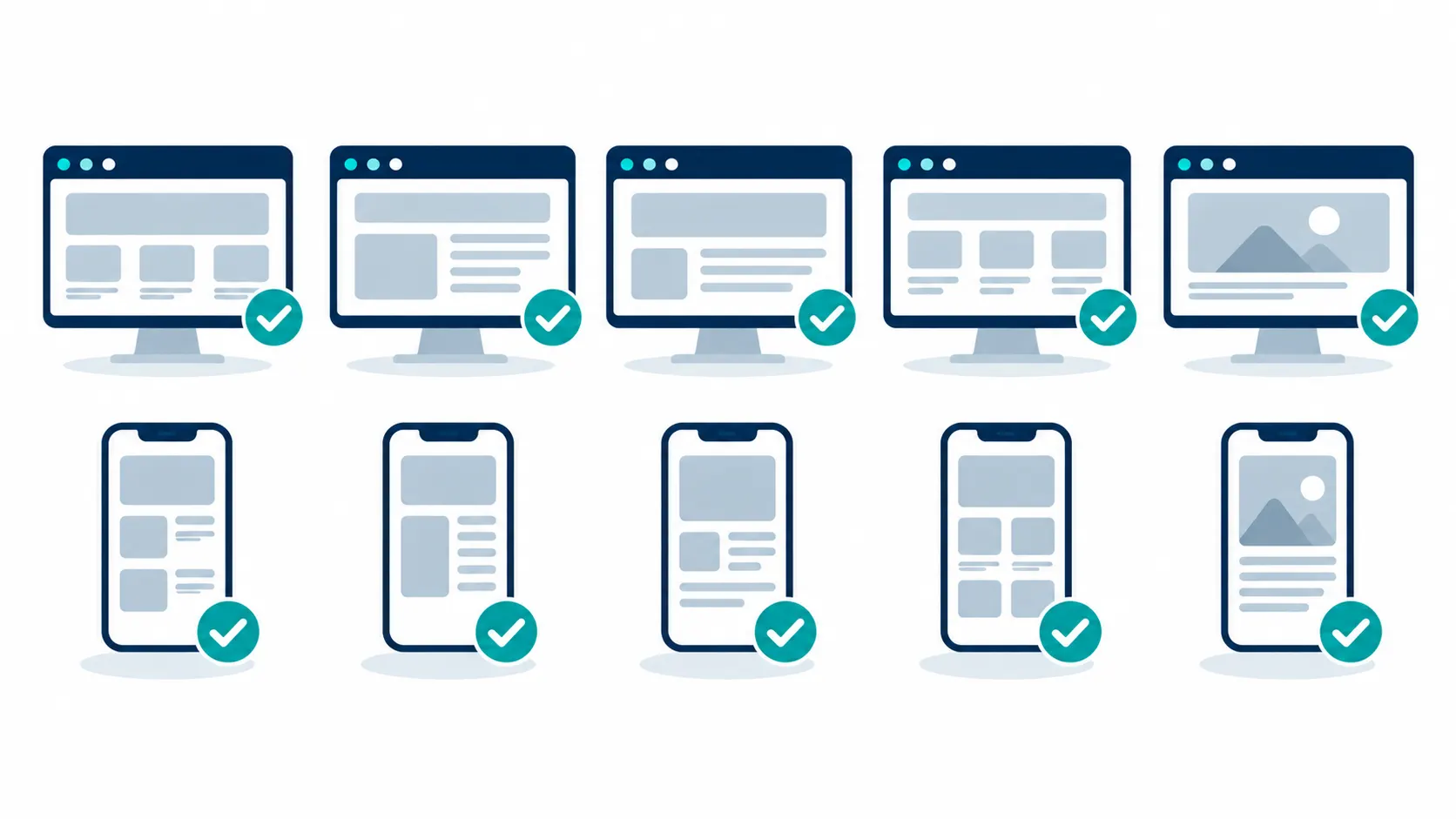
The plugin documents its support across six desktop and four mobile browsers: Chrome 90 and above, Firefox 88 and above, Safari 16 and above with iOS 16 and above, Edge 18 and above, Samsung Internet 8.0 and above, and Opera 50 and above.
A documented matrix matters because it is a promise a buyer can check. A plugin that says “works on all modern browsers” is telling you nothing. A plugin that names the minimum versions is telling you what it tested, which is more useful and more honest.
8. Local assets with no CDN dependency
Turn.js and PDF.js are bundled locally rather than loaded from a content delivery network. That means the flipbook works even if a third-party CDN is slow, blocked, or down. It also means the plugin does not add a request to someone else’s server on every page load.
There is one honest limit attached to this. The plugin’s service worker caches plugin assets, not PDF files. So the flipbook shell loads fast and works offline, but the PDF content itself still requires a connection on first read.
9. Flip physics that are tuned, not default
The page-flip configuration is explicit: 600 millisecond duration, elevation 50, bend factor 0.35, paper thickness 2, and gutter shadow enabled. These are the numbers that make the page turn feel like paper rather than like a slide transition.
Most plugins ship the default physics. The tuned values are the difference between a flip that feels natural and one that feels slightly wrong, which readers notice even when they cannot name it.
10. Multi-instance support on one page
The plugin fixed scoped-listener separation in version 3.0.1, which means two flipbooks can run on the same page without their event listeners interfering with each other.
This is more important than it sounds. Many plugins break when two instances share a page, because both instances attach listeners to the same document events. A site that wants to show two sample chapters side by side, or a comparison page that shows two documents, needs this to work.
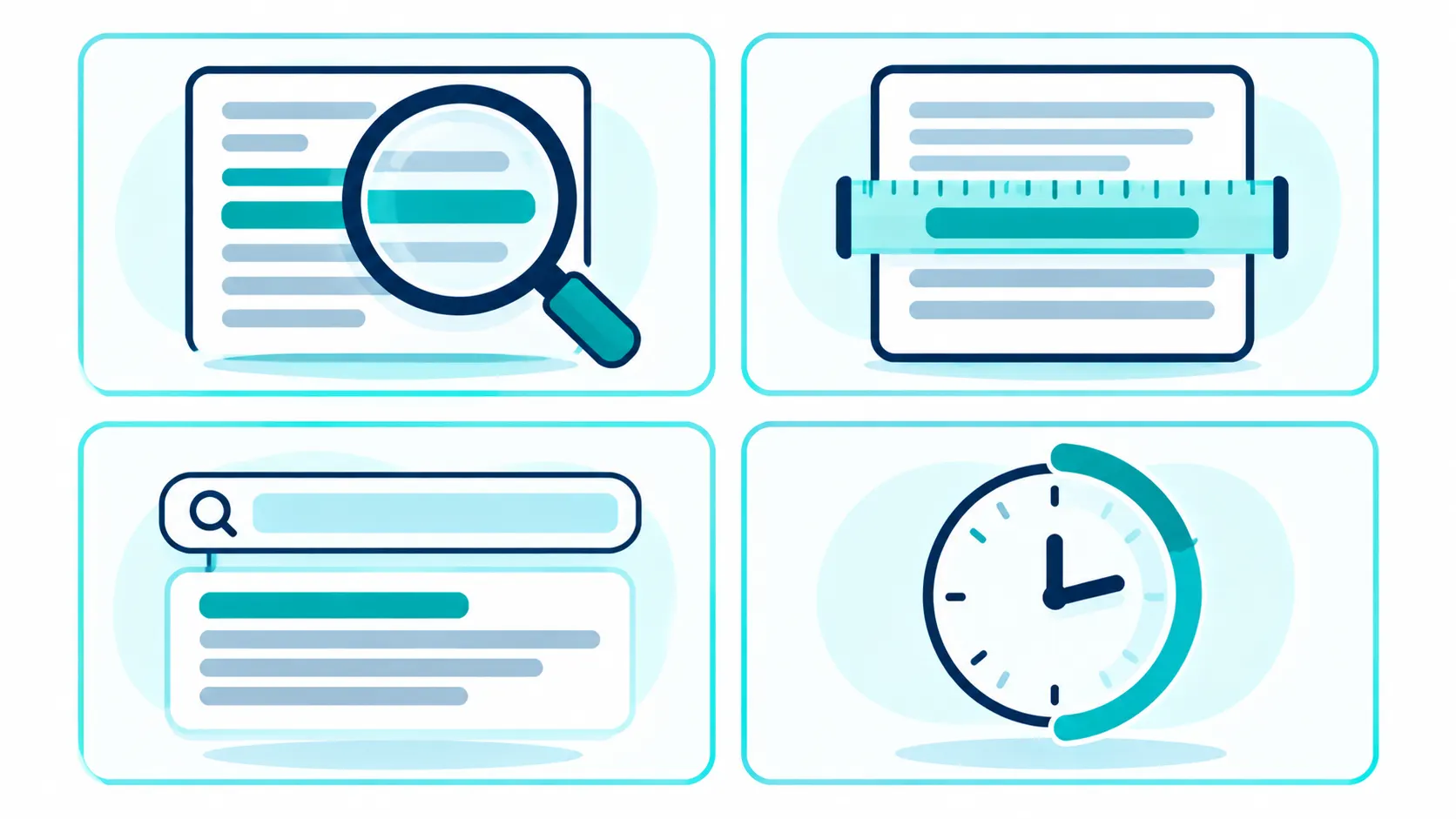
What These Features Actually Change
It is worth connecting the features to the outcome, because a feature list on its own is not an argument.
The magnifier and the focus ruler address the reader who cannot comfortably read the type. Without them, that reader leaves at the first dense page. With them, the reader continues.
The search context window and the memory window address the reader who is looking for something specific. Without them, the reader gives up and downloads the PDF instead. With them, the reader finds the passage and stays in the flipbook.
The reading timer addresses the reader who is deciding whether to start. Without it, an unknown length is a reason to postpone. With it, the reader knows the commitment.
The autoplay and browser matrix address the site owner rather than the reader, but they affect the same outcome, because a flipbook that runs unattended on a shop screen and works on the visitor’s phone reaches more readers in the first place.
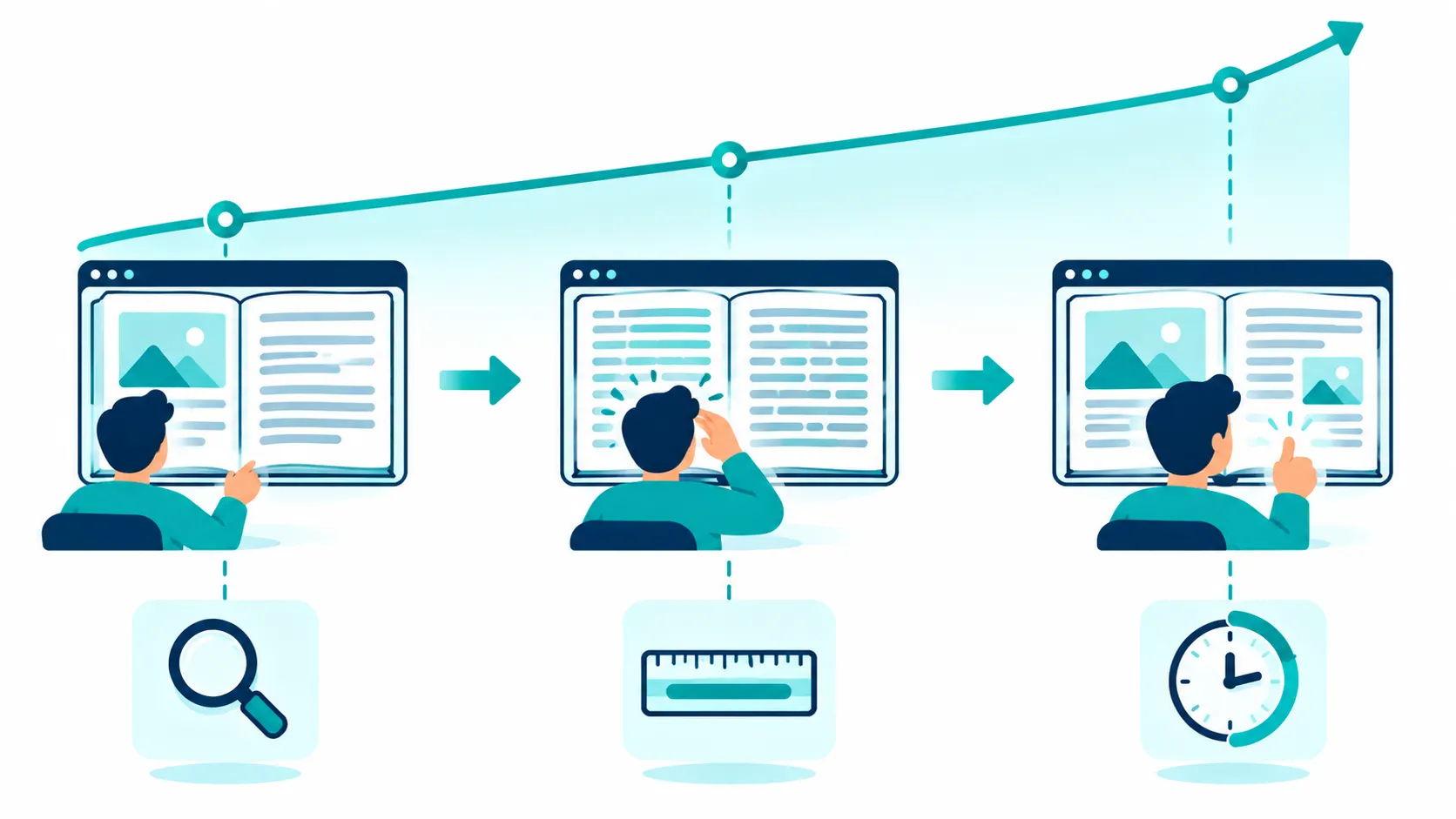
Where RealFlip Fits
RealFlip is a WordPress PDF flipbook plugin built on Turn.js and PDF.js, both bundled locally. It ships the reading-aid set described above, a monetization stack covered in a separate article, and a documented browser matrix.
The honest positioning is that this is a reading-focused flipbook rather than a decoration-focused one. If you want a page-curl animation for visual effect, several cheaper plugins do that. If you want readers to reach the end of the document, the features above are the ones that matter, and they are the reason this plugin exists.
The narrower claim that holds up is this: self-hosted, no WooCommerce required, Indian payment gateways, and social unlock. That combination is not owned by any competitor in the category, and it is the specific gap this product fills.
What to test before you buy a flipbook plugin
A feature list tells you what a plugin claims. A short test tells you what it does. These six checks take under an hour and separate a plugin that will work on your site from one that will not.
The first test is the dense page. Upload a PDF with a page of small type, the kind a legal document or a technical manual has, and open it on a phone. If you cannot read the page without pinching, the plugin has failed the most basic reading test. This is where a magnifier earns its place, and a plugin without one will lose readers on exactly the documents that need a flipbook most.
The second test is the long document. Upload a PDF of forty pages or more and turn through it at a normal pace. Watch for a page that arrives blank for a moment before the content appears. That pause is the preload window failing to keep up. A plugin that keeps a few pages ready in both directions avoids it, and one that renders only on demand will show the gap.
The third test is search. Open the document, search for a word you know appears on a late page, and look at what the results show. If the result is a page number with no context, you will be guessing which result is right. If it shows the sentence around the match, you can decide. The context window is a small detail that changes how useful search is.
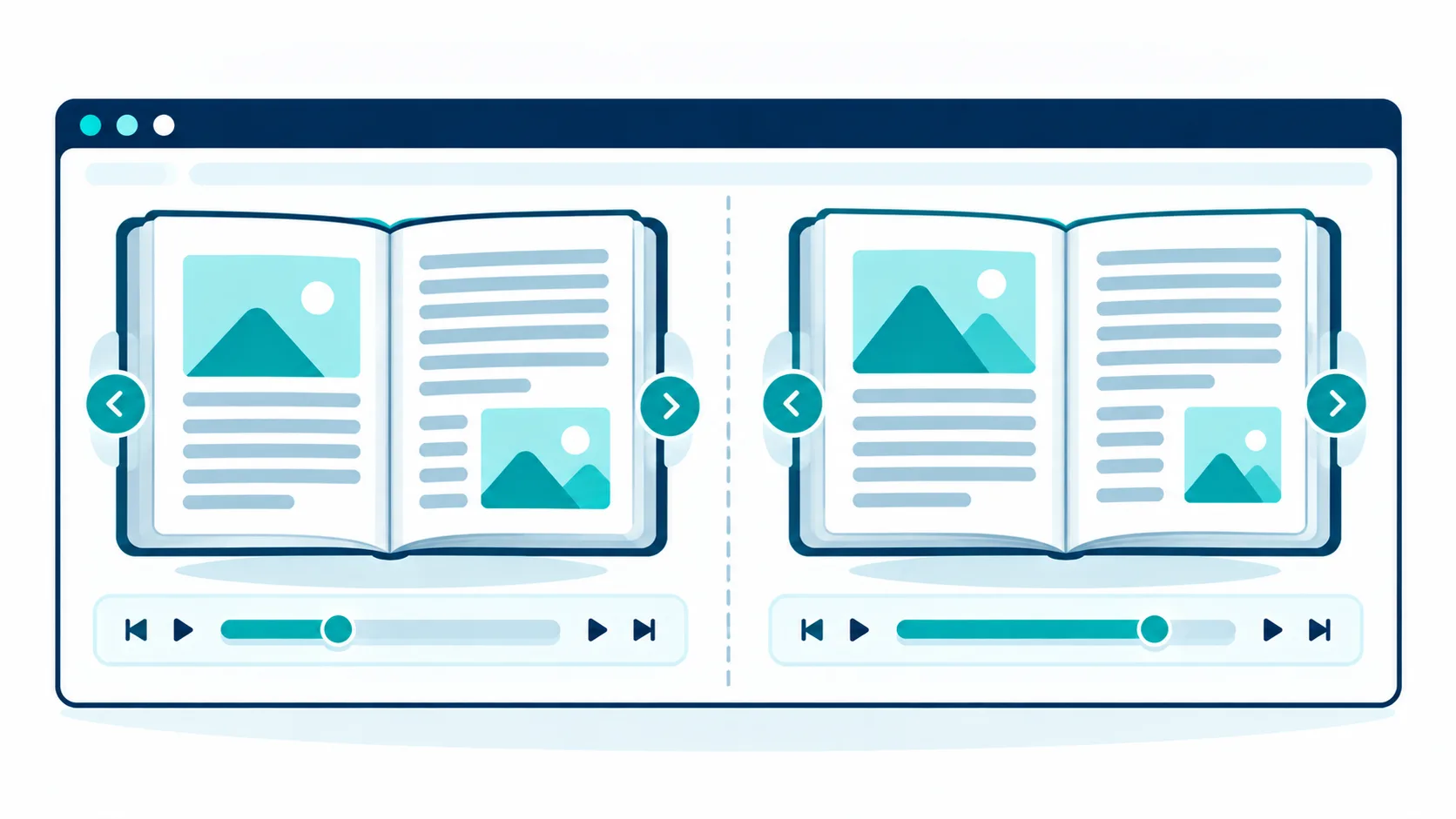
The fourth test is two books on one page. If your site ever needs to show two documents side by side, such as two sample chapters or a comparison page, place two instances on a single page and turn through both. Many plugins break here, because both instances attach listeners to the same document events and interfere with each other. A plugin that has fixed scoped-listener separation will handle it.
The fifth test is the connection. Load the flipbook, then disconnect from the network and try to turn a few pages that have already been viewed. A plugin that bundles its libraries locally keeps working for the shell, though the PDF content itself still needs a connection on first read. A plugin that loads its libraries from a third-party server will stall, and you will have added a dependency on someone else’s uptime.
The sixth test is the browser you actually use. Check the plugin’s documented browser support against the devices your audience uses. A plugin that names minimum versions is telling you what it tested. A plugin that says “works on all modern browsers” is telling you nothing you can check.
Run these six tests and you will know more about a plugin than any feature list can tell you. The tests are also a fair way to compare two plugins, because both face the same documents and the same devices.
Frequently Asked Questions
Does it work with any PDF?
Yes. The plugin renders PDFs through PDF.js, which reads standard PDF files. There is no requirement to convert the file to another format first. Very large PDFs will take longer to load on first open, because the memory window preloads nearby pages.
How many books can I add?
There is no documented cap on the number of books. Each book is a separate shortcode instance, and the plugin supports multiple instances on one page.
Does it work on mobile?
Yes, across four documented mobile browsers, with Safari 16 and above on iOS 16 and above as the Apple baseline. The magnifier and focus ruler are built for touch, which is where they matter most.
Can readers search inside the PDF?
Yes. Search returns up to 20 results and shows 40 characters before and 80 characters after each match, with a 300 millisecond debounce so it waits for the reader to finish typing.
Will it slow my site down?
The plugin bundles its assets locally rather than calling a CDN, and it loads the flipbook only where the shortcode is used. The reading experience is designed around a 7-page memory window rather than preloading the whole document, which keeps memory use bounded.
Does it work without a CDN?
Yes. Turn.js and PDF.js ship with the plugin. The one limit is that the service worker caches plugin assets, not PDF files, so offline reading of the PDF content itself is not promised.
Where to Read Next
This article is the flagship of a five-article cluster about PDF reading and selling on WordPress. The honest comparison piece covers 3D flipbook WordPress plugin differences you can test. The monetization piece covers selling a PDF ebook online with WordPress. The security piece covers the WordPress plugin to password protect PDF files. The budget piece covers WordPress flipbook plugin cost.
If your site is built around books and ebooks, the SOVEL Studio WordPress theme ships the content model that a flipbook fits into. The SOVEL Software family page lists every product in the family.
Word count: 2,332